WordPress
How to Add Jump Links and a Simple Table of Contents in WordPress
Help readers move through a long WordPress guide with clear heading anchors, a short contents list and a repeatable public-page check.
Read the guidePlan your idea, understand the tools, write useful content and get ready to launch. Choose the next question you want answered.
Help readers move through a long WordPress guide with clear heading anchors, a short contents list and a repeatable public-page check.
Read the guideChoose between Undo, autosaves and revisions, recover only the content you need, and keep newer improvements during a WordPress editing correction.
Read the guideBuild a useful comparison table with clear facts, captions, row and column headers, meaningful links and actual narrow-screen checks.
Read the guide →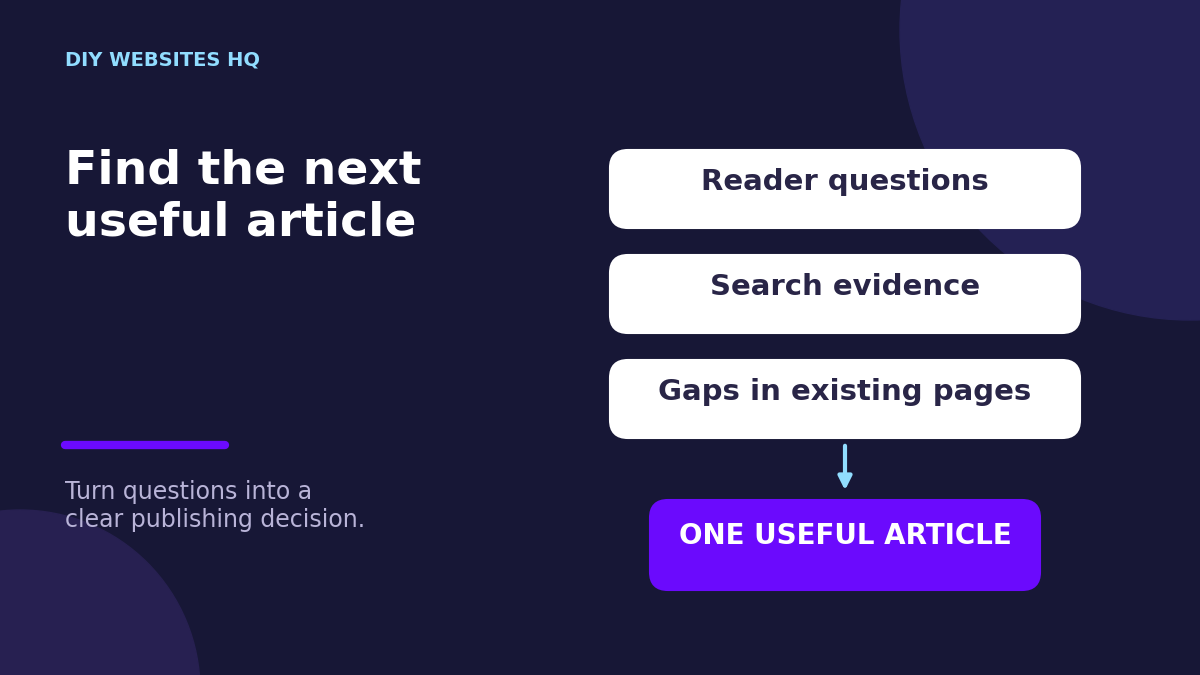
Improve website link wording with practical rewrites, distinct destinations, honest download labels and checks that support useful navigation.
Read the guide →
Prepare, label and publish a useful PDF worksheet with the WordPress File block, then check the public download and maintain its source.
Read the guide →
Choose useful alt text for informative, decorative, linked and complex images. Includes original examples and a focused WordPress review checklist.
Read the guide →Plan one useful article with a clear reader, outcome, evidence list and outline. Includes a worked example and copyable website content brief.
Read the guide →Create a simple website style guide with color roles, readable type, spacing and reusable patterns. Includes calculated contrast examples and a checklist.
Read the guide →
Write an honest editorial policy covering sources, firsthand use, affiliate relationships, AI assistance and corrections. Includes a practical self-audit.
Read the guide →
Understand which DNS records connect your WordPress website, handle email or verify a service, with a practical change worksheet and worked example.
Read the guide →Troubleshoot a domain after a DNS change by checking the exact address, active DNS provider, host connection, HTTPS and email before making more edits.
Read the guide →Choose WordPress pages or posts by the job your content does. Includes a small-site example, a decision worksheet and checks for published navigation.
Read the guide →
Organize WordPress posts with useful categories and reusable tags. Includes a small-site example, archive review and a careful cleanup worksheet.
Read the guide →Plan and check WordPress navigation in a block or classic theme. Choose clear labels, working destinations and a mobile menu visitors can actually use.
Read the guide →Choose clear WordPress URLs and understand what changes after publication. Includes a slug checklist, an old-to-new URL map and redirect verification steps.
Read the guide →
Use Search Console to investigate impressions without clicks. Match pages to queries, improve clear titles and snippets, and compare results without overclaiming.
Read the guide →Check a WordPress contact form from the visitor’s first input to a received message and useful reply, with a practical test log and delivery troubleshooting.
Read the guide →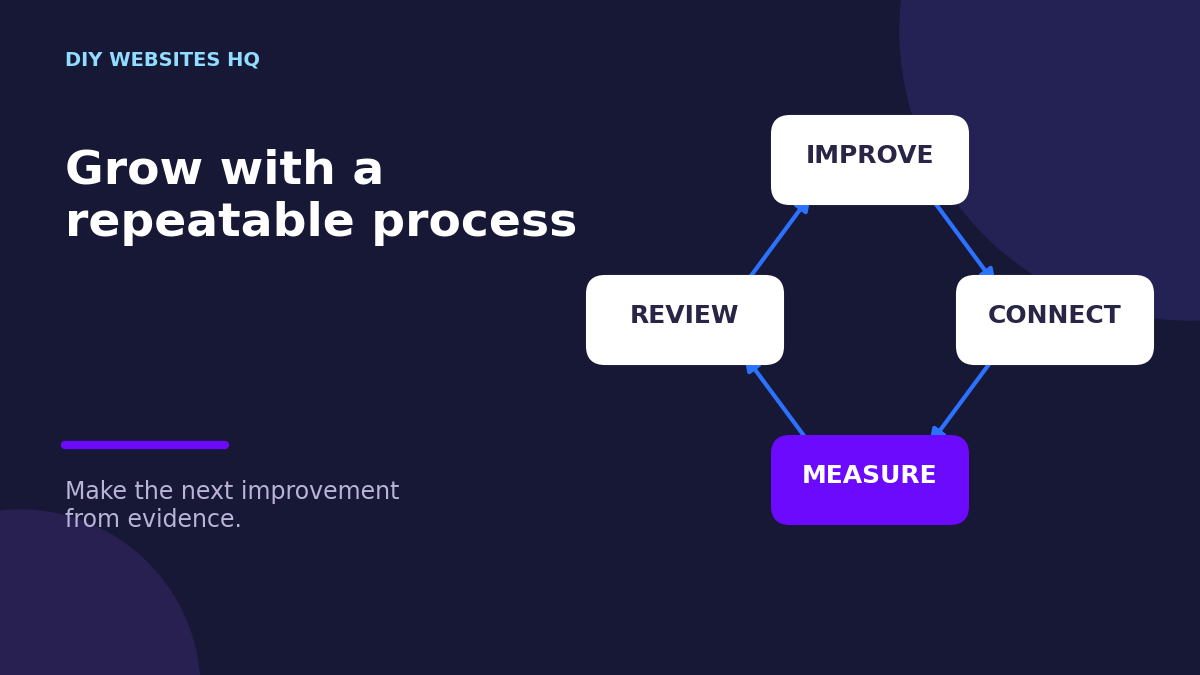
Review a slow WordPress page with a repeatable test, useful performance evidence and one change at a time. Check images, layout, scripts and hosting support.
Read the guide →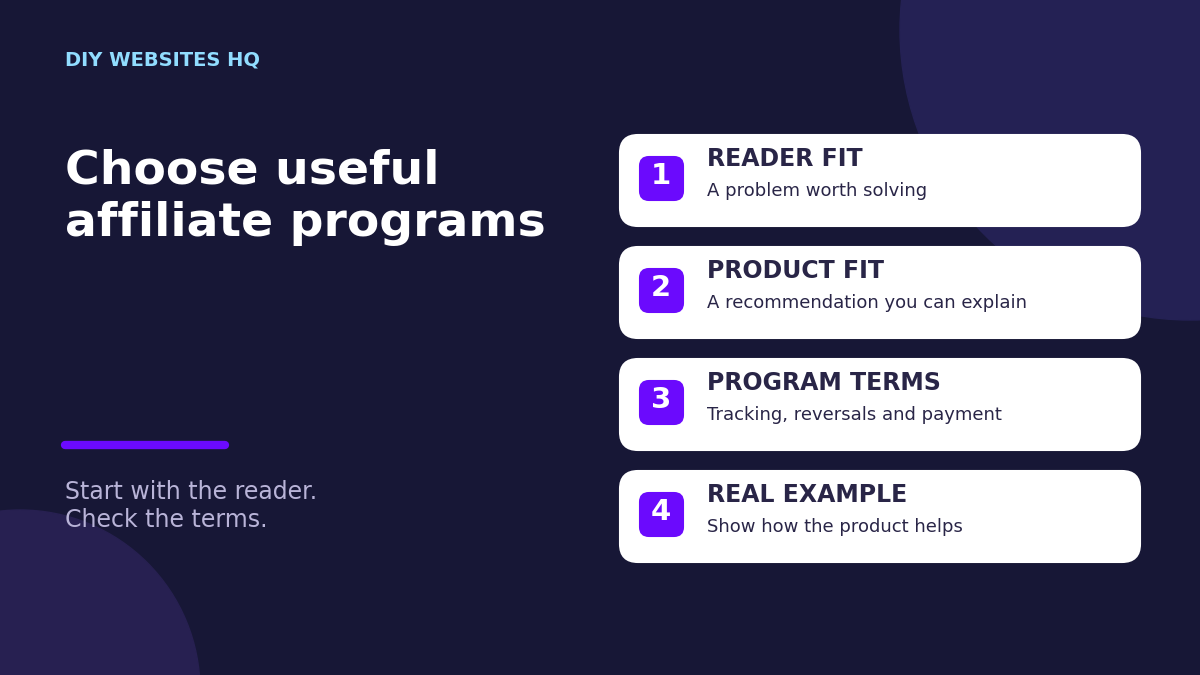
Plan an honest product test with a clear question, useful photos, repeatable notes and limits readers can assess. Includes a practical evidence worksheet.
Read the guide →
Build an affiliate resource page around reader questions, useful comparisons and clear disclosures. Includes a practical WordPress publishing checklist.
Read the guide →Move a SiteRubix website to your own domain. Check the current Wealthy Affiliate wizard, back up WordPress, and verify links, redirects, and email.
Read the guide →See what Wealthy Affiliate’s 4,000 Starter credits can cover, with an actual Writer charge, a sample budget, and a method for tracking your costs.
Read the guide →Compare Wealthy Affiliate and Systeme.io for a first affiliate website. See how the free plans handle blogging, a domain, signup forms, and email.
Read the guide →See Wealthy Affiliate’s current commission rates, payout minimum, and holds. Learn to track referral clicks, signups, upgrades, and payouts separately.
Read the guide →
Save your WordPress site before canceling Wealthy Affiliate. Protect your domain and email, test the new host, and use the printable migration checklist.
Read the guide →
Check WordPress plugins, backups, custom domains and migration before choosing Wealthy Affiliate hosting. Includes a dated WooCommerce installation test.
Read the guide →
See why WordPress suits growing content websites: publishing, control, useful SEO tools and room to expand, with honest costs and maintenance trade-offs.
Read the guide →
Decide whether WordPress fits your affiliate website, with a small-site plan, honest recommendations, clear disclosures and realistic measurement.
Read the guide →
Check your WordPress website for keyboard access, clear headings, useful image descriptions, readable text and forms people can complete.
Read the guide →
Resize and compress WordPress images, choose useful formats and check responsive delivery without sacrificing readable screenshots or clear photos.
Read the guide →Use a practical WordPress maintenance routine to check backups, updates, forms, links and site health, with clear records and sensible priorities.
Read the guide →Find broken WordPress links, distinguish missing pages from access problems and choose sensible corrections or redirects without changing every URL.
Read the guide →Plan a useful affiliate content calendar with reader questions, clear article roles, realistic deadlines and space to update what you have published.
Read the guide →
Understand SEO, GEO and AEO, choose useful improvements for your website, and follow a practical plan for AI search visibility.
Read the guide →
Check public access, understand OAI-SearchBot and GPTBot, improve a useful page, and document ChatGPT discovery without promising citations.
Read the guide →
Use AI to organize reader questions, build a checked outline, improve existing pages and review SEO details with a practical worked example.
Read the guide →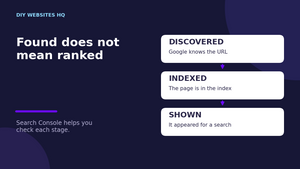
Measure AI citations, referral visits and reader actions separately using current Google, Bing and GA4 guidance, with a practical tracking template.
Read the guide →
Review public access, page clarity, evidence, images, internal links and measurement with a practical WordPress checklist for AI search.
Read the guide →Turn practical experience into a focused affiliate website with a sensible budget, a five-hour weekly plan and a useful first project.
Read the guide →
A four-hour example week for researching, writing and improving an affiliate site without turning every evening into a second shift.
Read the guide →
Build a useful affiliate website without making your face the brand. Plan honest content, suitable images and evidence readers can check.
Read the guide →A practical review workflow for separating hands-on experience from research, explaining trade-offs and making a recommendation readers can assess.
Read the guide →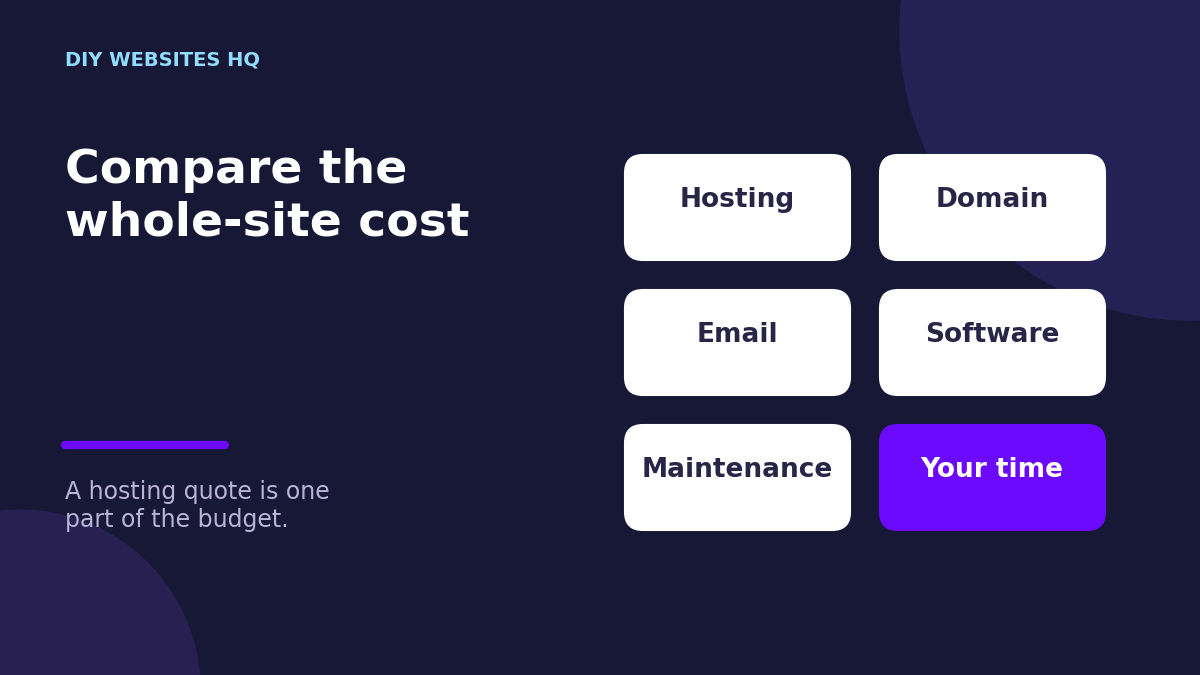
Choose fair comparison criteria, verify the details and explain which option fits each reader instead of declaring an unsupported universal winner.
Read the guide →Plan a useful signup offer, a clear form and a five-message welcome sequence that brings subscribers back to relevant website content.
Read the guide →Connect related guides, comparisons and resources so every important article has useful incoming links from elsewhere on your website.
Read the guide →
Use a small-space jigsaw puzzle site as a working example of choosing an audience, planning helpful articles and adding relevant recommendations.
Read the guide →
Understand GA4 outbound clicks, custom referral events, testing and reporting limits, with a clearly labeled example of a user-based click rate.
Read the guide →A focused maintenance workflow for correcting outdated details, strengthening useful answers and improving links without rebuilding the whole site.
Read the guide →Start with a free SiteRubix website, explore Wealthy Affiliate’s Starter tools and follow a practical plan for your first affiliate-site idea.
Read the free guide →Learn how WA’s free expert classes work, what to check before joining and how to turn one lesson into a useful page for your website.
Read the free guide →
A practical WordPress publishing tutorial covering titles, headings, images, links, preview, metadata and the checks to make after publication.
Read the guide →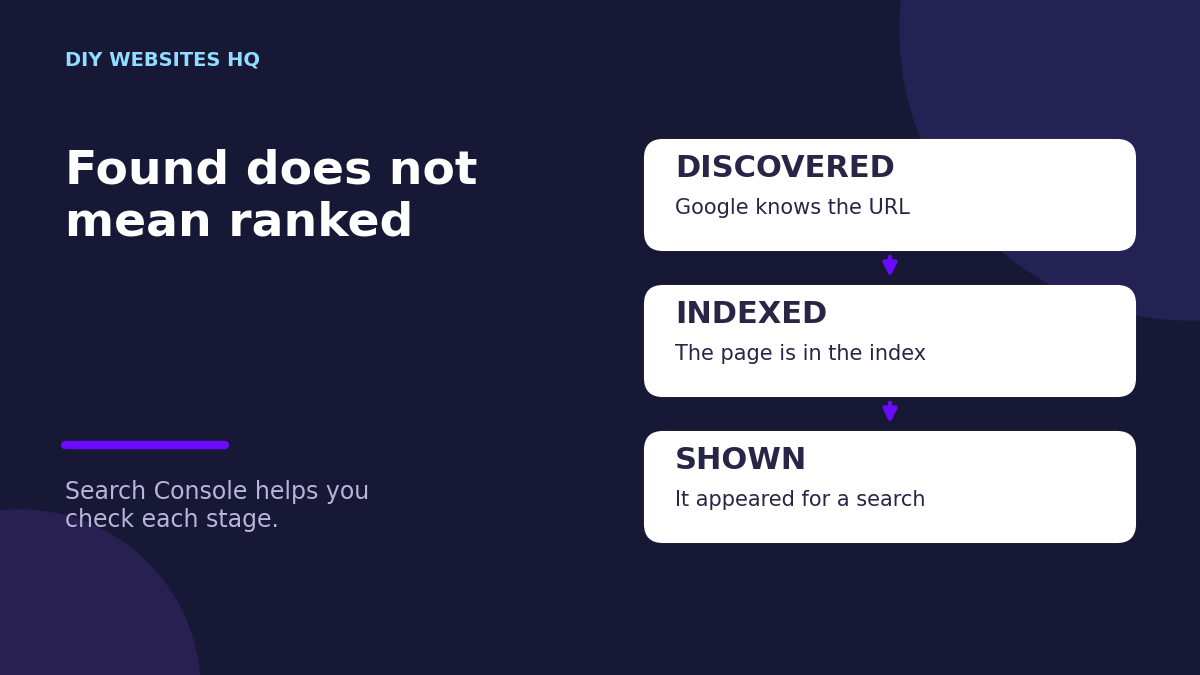
Verify your website, submit its sitemap, inspect important URLs and understand the difference between processing data, indexing and rankings.
Read the guide →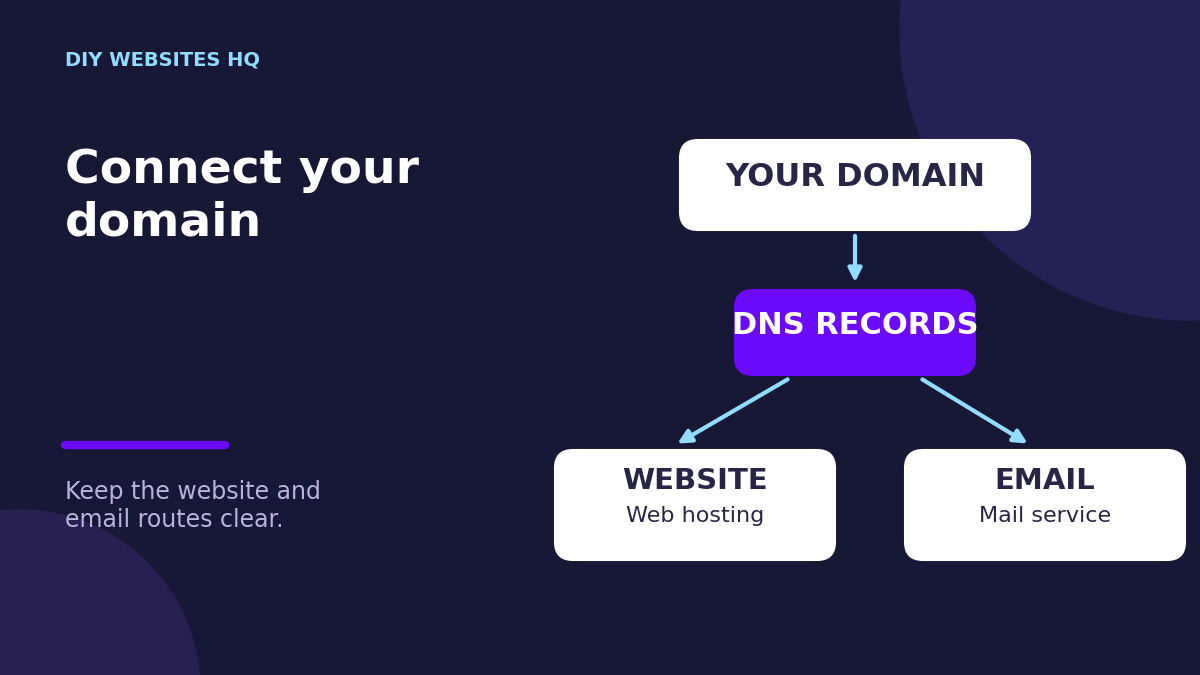
Understand registrar, DNS and hosting roles, plan a domain connection, protect email records and verify the public website after the change.
Read the guide →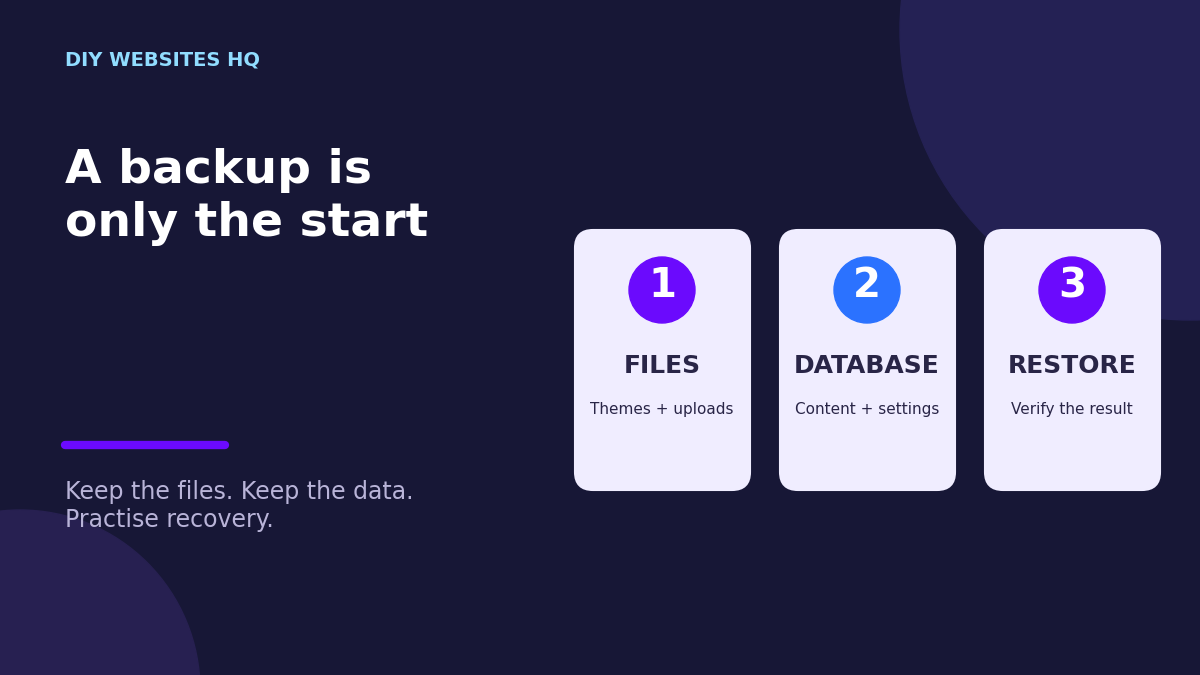
Know what to back up, where to store it, how to test a restore and which checks protect a WordPress site during maintenance or migration.
Read the guide →
A transparent walkthrough of this site’s audience, structure, WordPress layout, article images, comparisons and search setup without invented results.
Read the guide →Evaluate products, tracking terms, reader fit, approval, reversals and payout rules before adding affiliate links to a new website.
Read the guide →Build connected content, maintain useful pages, develop an email audience and use measured evidence to choose your next website improvement.
Read the guide →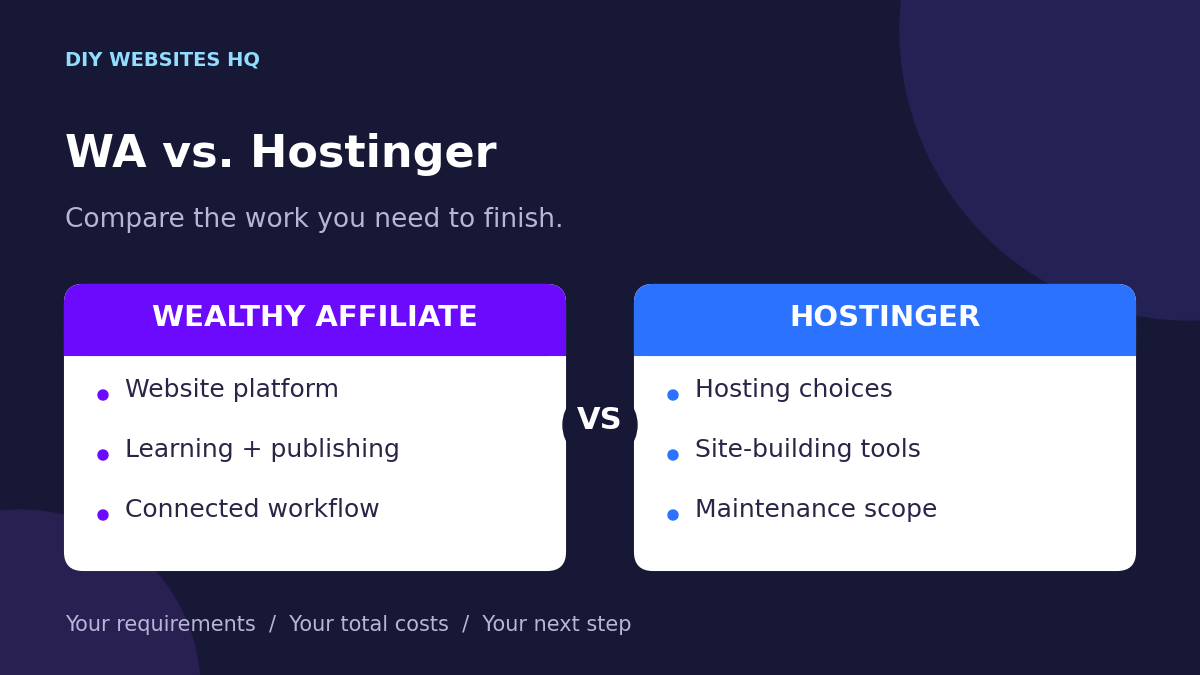
Compare WA and Hostinger by website needs, upfront bills, renewal terms, support, control and a practical decision checklist.
Read the guide →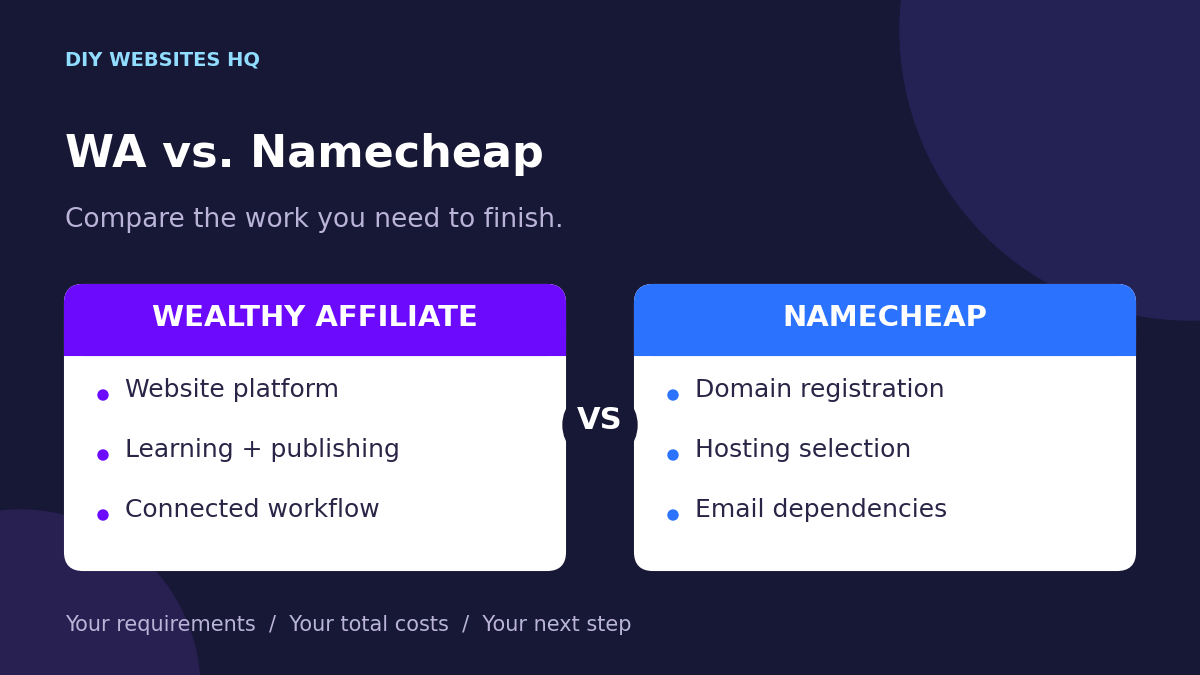
Compare WA and Namecheap by website needs, upfront bills, renewal terms, support, control and a practical decision checklist.
Read the guide →
Compare WA and WordPress.com by website needs, upfront bills, renewal terms, support, control and a practical decision checklist.
Read the guide →
Compare current WA and Authority Hacker offers, annual costs, AI tools, hosting, cancellation terms and practical fit for beginners or established businesses.
Read the guide →Compare WA with standalone hosting and WordPress.com. Understand upfront bills, renewals, domains, email, backups, AI tools and who each option fits.
Read the guide →Find useful article topics without duplicate subscriptions. Understand Jaaxy’s retirement, WA Ace, Search Console, Trends and a practical research workflow.
Read the guide →
Choose a focused website idea with a clear audience, useful content opportunities and a realistic plan you can keep building over time.
Read the guide →
Use a practical domain-name checklist to compare clarity, spelling, renewal costs and room to grow before you register a website address.
Read the guide →Understand the difference between a domain name, website hosting and WordPress, plus what to check before buying a website package.
Read the guide →Compare WordPress.com and self-hosted WordPress by hosting, responsibilities, budget and flexibility so you can choose a setup that fits.
Read the guide →Build a realistic website budget that includes domain and hosting renewals, optional tools, maintenance and the time needed to create content.
Read the guide →Plan your Home, About, Contact and other essential website pages around what visitors need to understand, trust and use your site.
Read the guide →Make your homepage clearer by answering who it helps, what visitors can do, why they should trust it and where they should go next.
Read the guide →
Write a useful first blog post with one clear question, an organized outline, original examples, relevant links and a practical editing checklist.
Read the guide →Start website SEO with clear topics, useful titles, readable headings, descriptive links, image alt text and checks that search engines can access your pages.
Read the guide →Understand affiliate links, choose recommendations that serve readers and use clear disclosures without making unsupported income or product claims.
Read the guide →
Check your content, navigation, contact route, images, mobile layout, SEO settings and account access before sharing a new website.
Read the guide →Consider Wealthy Affiliate with a practical checklist covering your goals, training needs, current plan limits, renewal costs and expectations.
Read the guide →Compare current Wealthy Affiliate plan prices, website limits and billing choices, then use a practical checklist to choose the capacity you need.
Read the guide →Use a manageable four-week website plan with concrete deliverables, a first content cluster and a launch review that fits around everyday life.
Read the guide →Diagnose a new website that is missing from Google by checking publication, indexing settings, canonical URLs, internal links and Search Console evidence.
Read the guide →Improve the clarity, evidence and accessibility of your website using Google’s guidance for AI Overviews and AI Mode, without relying on secret markup.
Read the guide →