Sherry Wood
Want to see how an online-business platform works before paying for it? A practical class can help you decide whether the teaching and tools suit the way you learn.
Wealthy Affiliate has announced that Jay’s weekly live expert classes are being opened to people outside its membership. You can explore a class, see the workflow being taught and decide whether you want to build along.
Affiliate disclosure: I may earn a commission if you join a paid plan through my links, at no extra cost to you. DIY Websites HQ is independently operated.
Begin with the free account
Open WA’s Starter account, explore the learning area and check the current class listing. No credit card is required for Starter.
Join Free and Explore WA’s Classes →Check the class topic, time zone and current access details before planning your session.
If you want to follow along in WordPress, start with the SiteRubix practice-site walkthrough. The Wealthy Affiliate review explains where the free site, paid tools and hosting fit.
What changed with the expert classes?
In his October 31, 2026 announcement, co-founder Kyle explains that the sessions taught by Jay will be available beyond the WA community. The announcement describes both upcoming-class pages and replay pages, with the presentation still being improved.
The pre-class experience allows visitors to create a free account to save a seat, set a reminder and add the class to their calendar. What you see depends on whether the session is upcoming or has already taken place. Use the current listing for its exact timing and availability rather than an old schedule copied into a review.
Read Kyle’s original announcement.
Is watching a free class the same as getting every tool free?
No. Learning from a class and having unlimited access to the tools used in it are different things.
The free Starter account currently includes a SiteRubix practice website, a first Hub, community access and 4,000 starter credits. It also lists up to 20 Ace messages a day; credit-consuming work remains subject to the available balance. Paid plans provide larger allowances and different website capacity.
You can learn from a demonstration without buying immediately. If you want to repeat every step, first check which tools, credits or membership level the instructor uses. Our free Starter and SiteRubix guide explains the starting offer, and the pricing comparison separates the paid tiers.
Choose a class around the task in front of you
Before pressing play, write down the job you want to finish. Useful examples include narrowing a website topic, planning a helpful article or understanding a publishing workflow. Then read the actual session description and decide whether it addresses that job.
A class about an advanced automation may be interesting while adding little to your first page. A beginner-friendly session that helps you publish something useful can be the better use of that hour. Choose for relevance, not just because the session is new.
I use WA for websites and training. My recommendation is to turn each useful lesson into one manageable piece of work. That gives you evidence of what you learned and makes it easier to judge whether a tool deserves a place in your budget.
A simple before, during and after checklist
Before the class
- Read the topic and any prerequisites.
- Confirm the start time in your own time zone.
- Check whether a replay is available if you cannot attend live.
- Note any tools or paid features needed to follow the demonstration.
- Write one question you want the class to answer.
During the class
Keep three short notes: the problem being solved, the steps used and the part you can apply to your own website. Record any claim that needs checking rather than copying it directly into an article.
If you follow along, use the practice environment for experiments and review each result. An example demonstrated for one business may need adjustment for your topic, audience or existing tools.
After the class
- Choose one action. Make it small enough to finish: outline a page, improve a heading or organize five reader questions.
- Complete that action. Give it a place on your actual project instead of starting another notebook of ideas.
- Check the result. Read it as a visitor would. If it is a page, test the links and mobile layout.
- Record what remains unclear. Use that question to choose your next lesson or ask for help.
Example: turn a lesson into an affiliate-site article
Suppose you are building a website for people growing herbs indoors. Your next task is a helpful guide to choosing a container for a sunny kitchen window.
After a relevant planning or content lesson, make a brief that identifies the reader, the question and the practical decision they need to make. List the container features you can verify, such as drainage, size and placement. Explain your reasoning and use reliable sources where you need them.
Only add an affiliate recommendation when it fits the page. Check the program’s rules and disclose the relationship. A strong lesson should help you produce a clearer answer; it does not replace your responsibility to check and improve the page.
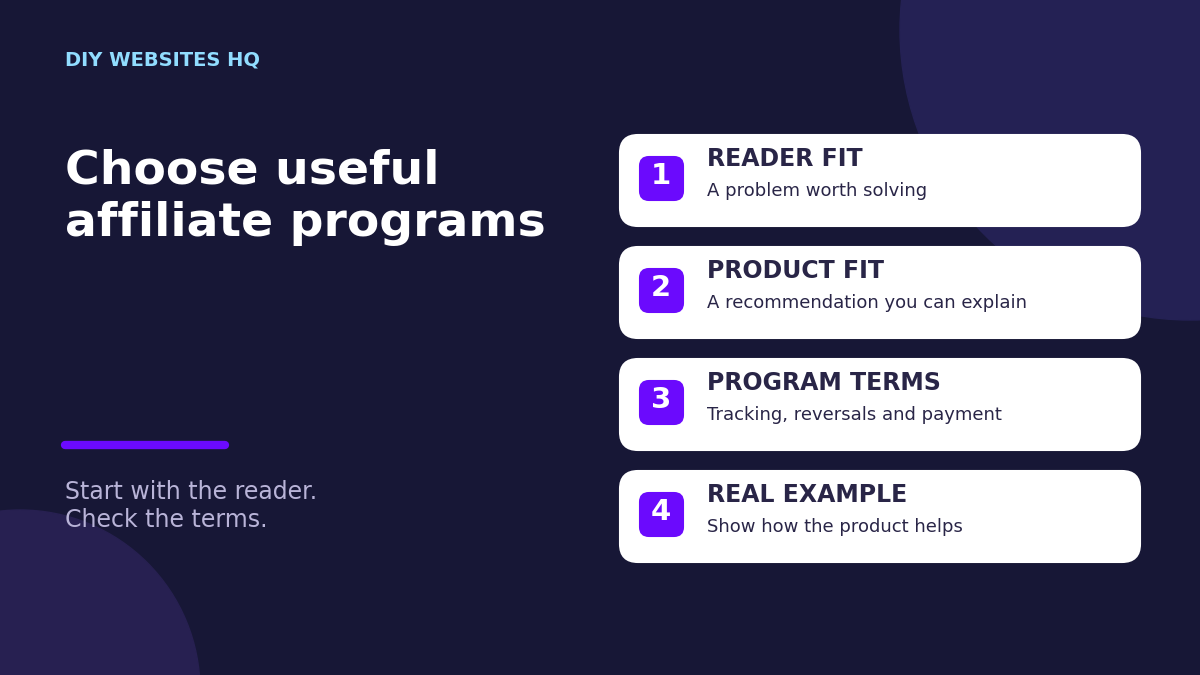
For the next steps, use our first-blog-post guide and our affiliate-program checklist.
Do you have to join a paid plan?
Opening Starter does not require purchasing a paid plan. You can explore the free offer and assess the platform before deciding whether more capacity would be useful. When your starter credits are used, new credit-consuming AI work waits until you add credits or upgrade.
If a lesson reveals a real need, compare the current cost with the work you expect to do. Avoid upgrading simply because the demonstration looked impressive. Keep the decision tied to your website and your budget.
Your next step
Choose one question about your website, check the current class listing and take a session that addresses it. Then use what you learn to finish one useful task.
Explore the Free WA Starter Account →New to websites? Start with our six-step guide · Download the free planning worksheets
Sources checked October 31, 2026: Kyle’s class-access announcement and WA’s current Starter and paid-plan comparison. Class topics, access and platform features can change. Building a website does not guarantee income.