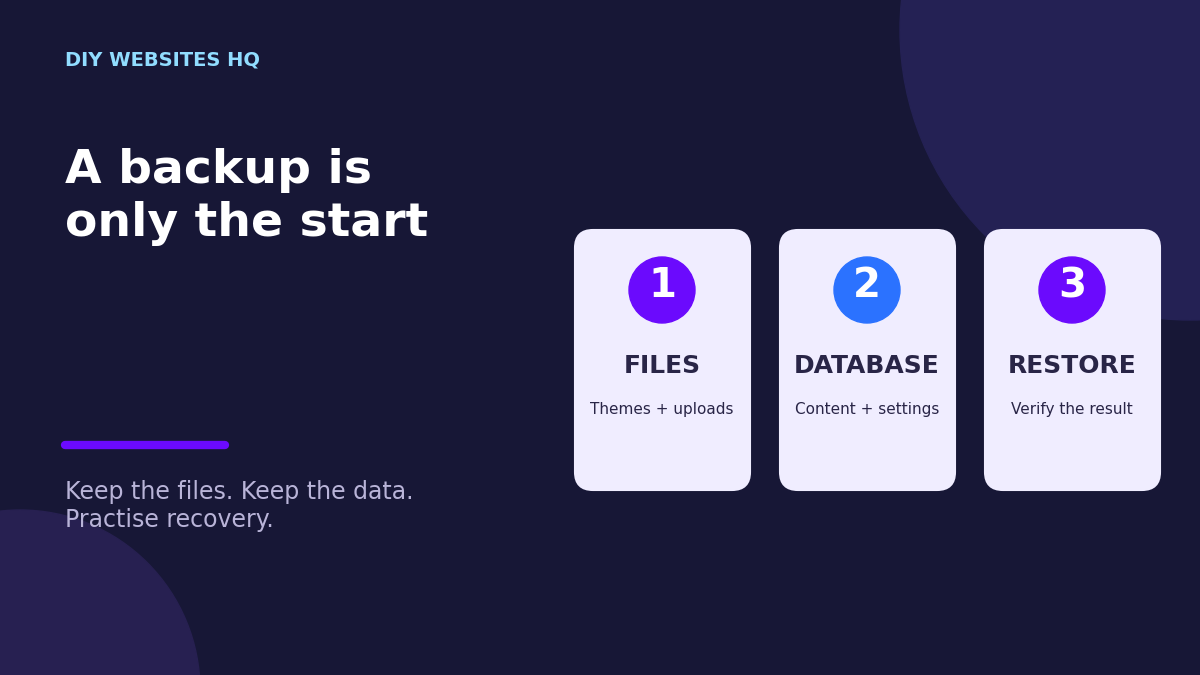
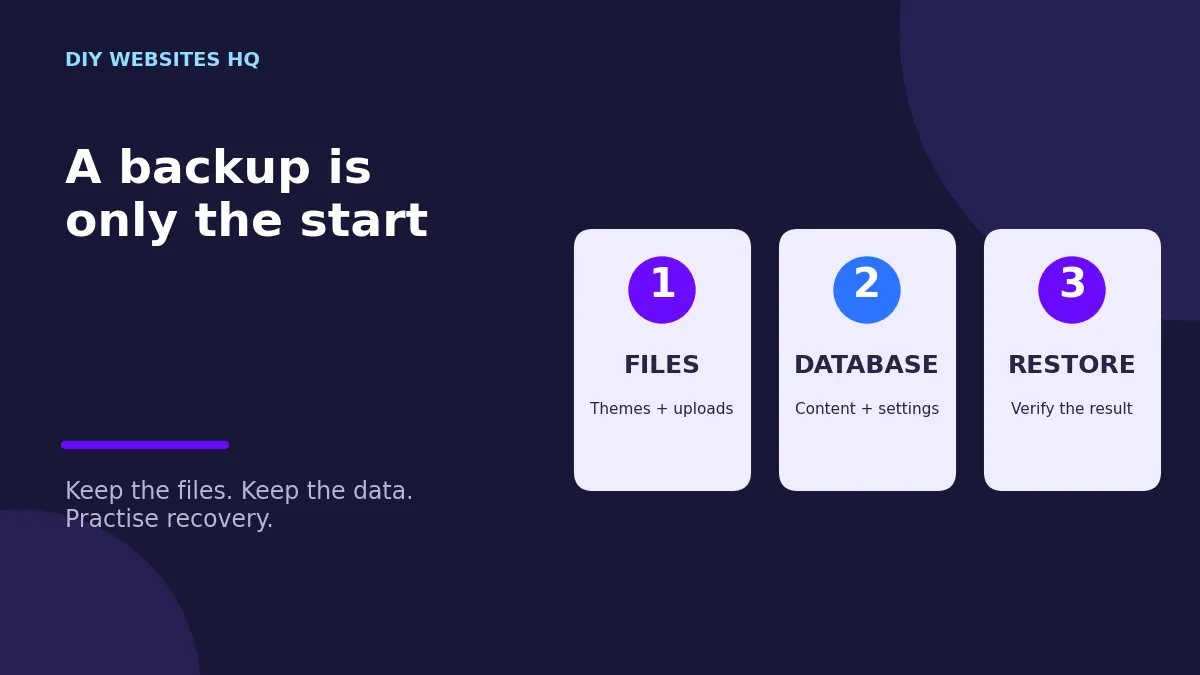
A backup is useful when it can restore the website you need. Before an update or hosting move, identify the files, database, storage location and recovery process. A “backup included” badge does not answer all four questions.
A recovery test performed on this site
On October 24, 2026, we created a separate, unpublished WordPress draft to test the revision controls. The first saved version contained an original sentence. We replaced it with different wording, saved again, opened the revision comparison and restored the earlier version.
| Step | What was done | What was observed |
|---|---|---|
| Save Version A | Save an original sentence in a draft. | WordPress retained the first version. |
| Save Version B | Replace the sentence and save again. | The comparison showed the original and replacement wording. |
| Restore Version A | Choose the earlier revision and use Restore This Revision. | The editor returned the original sentence. |
| Check publication status | Inspect the post after restoration. | It remained a draft; the test article was not published. |
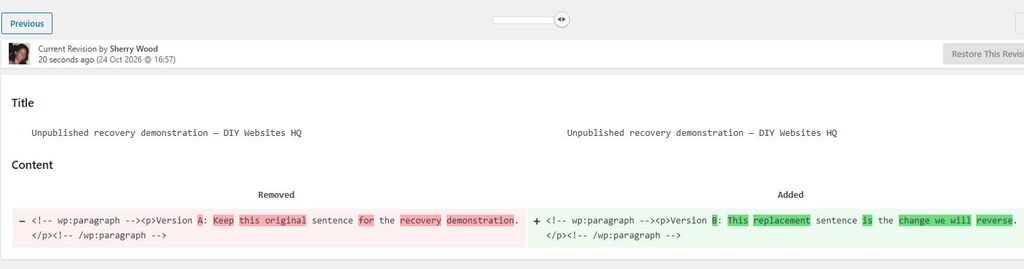
What this proves: the tested post-content revision could be recovered on this WordPress installation. This was not a restore of the database, uploads, plugins, email or hosting account.
Repeat the drill before you need it
- Create a throwaway draft and write one recognizable sentence.
- Save, change the sentence and save again.
- Open Revisions from the post settings. Find the earlier wording before restoring it.
- Confirm both the content and the post’s draft or published status afterward.
The location and appearance of Revisions can differ between editors and WordPress versions. See the official WordPress revision guide. A full backup plan still needs files, a database copy and a recovery procedure appropriate to your host.
What a WordPress recovery needs
A WordPress site commonly depends on a database and files. The database contains content and settings; files include uploads, themes, plugins and configuration. A collection of images is not a complete site backup. An export of posts is useful, but it is not necessarily a complete recovery package either.
List anything outside the ordinary WordPress installation: custom fonts, static files, integrations, server configuration, domain email and scheduled jobs. A plugin backup may cover only its documented scope. Ask specifically about exceptions rather than assuming everything visible on a domain is inside the archive.
Choose a schedule around change
A small brochure site changes differently from a busy store. Match backup frequency to the amount of work or transaction data you could afford to lose. Make an additional recovery point before a significant update, redesign or migration, and label it with the date and purpose.
Keep a copy independent of the live server where practical. If the hosting account is unavailable, a backup stored only inside that account may also be unavailable. Restrict access because backups can contain private information and credentials.
Ask the host these questions
- Are files and database both included?
- How often are backups created and how long are they retained?
- Can I download a copy?
- How is a restore requested or performed, and is there a charge?
- What happens after cancellation or a failed payment?
- Does restoration overwrite the current database, files or both?
Retain the answers with your account records. An automated backup can fail, and a successful file transfer does not prove the archive is usable. Check completion messages and investigate warnings.
Test in a separate environment
Where your host supports a staging or test site, restore a copy there before relying on the process. Keep the test site from being indexed or receiving real orders. Verify that the homepage, media, navigation, login and critical functions work.
Do not restore over a working production site just to see whether the backup is valid. For transactional sites, plan carefully around orders, user accounts and other changes made since the backup. An older database can erase newer work if the restore is not planned.
A practical maintenance sequence
- Record the current version and the change you intend to make.
- Create a fresh recovery point and confirm completion.
- Retain access to an independent copy and the restore instructions.
- Test the change in a suitable separate environment when available.
- Apply the planned live change and check the important visitor journeys.
- If something fails, diagnose the problem and choose a recovery point deliberately.
Keep the test focused. For a content update, verify the affected page and links. For a theme update, check navigation, mobile layout and forms. For a store or membership site, include its transaction and account flows.
If you’re moving specifically from Wealthy Affiliate, use my WA cancellation and website move checklist to plan the order of your backup, domain and email checks.
After a hosting move
Confirm that the new environment has its own backup schedule. The old host’s retention does not automatically protect new work. Check the domain, HTTPS, email records and essential forms before ending the old service.
Keep a short handoff document with the registrar, host, backup location, renewal dates and support route. Store secrets in an appropriate password manager, not in the public website or a downloadable worksheet.
Continue with the domain connection walkthrough and the printable launch checklist.
Technical reference: WordPress backup documentation. Exact backup scope and restoration steps depend on the host and tool you use.
Put the next step into practice
Recovery readiness belongs in a wider maintenance routine covering updates, forms, links and the live visitor journey.