

Build a useful comparison table with clear facts, captions, row and column headers, meaningful links and actual narrow-screen checks.
 Sherry Wood

Start with the image’s purpose, then choose useful alternative text for information, decoration, links or complex visuals. Includes original examples and ...

Prepare a useful public PDF, add it with the WordPress File block and verify the actual download. Includes a worked example and release checklist.
Document your website’s colors, readable typography, spacing and reusable patterns. Includes calculated contrast examples and a one-page style checklist.
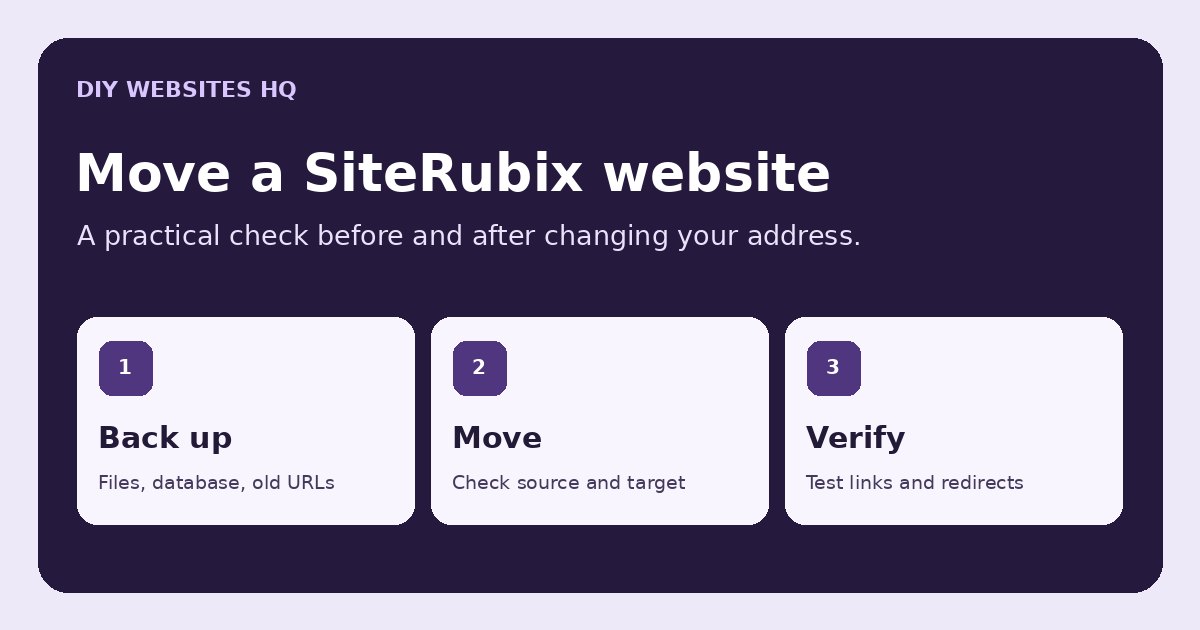
By Sherry Wood · Digital marketing, website content and SEO · Sources checked November 14, 2026To move a SiteRubix site to your own domain, start with a domain ...
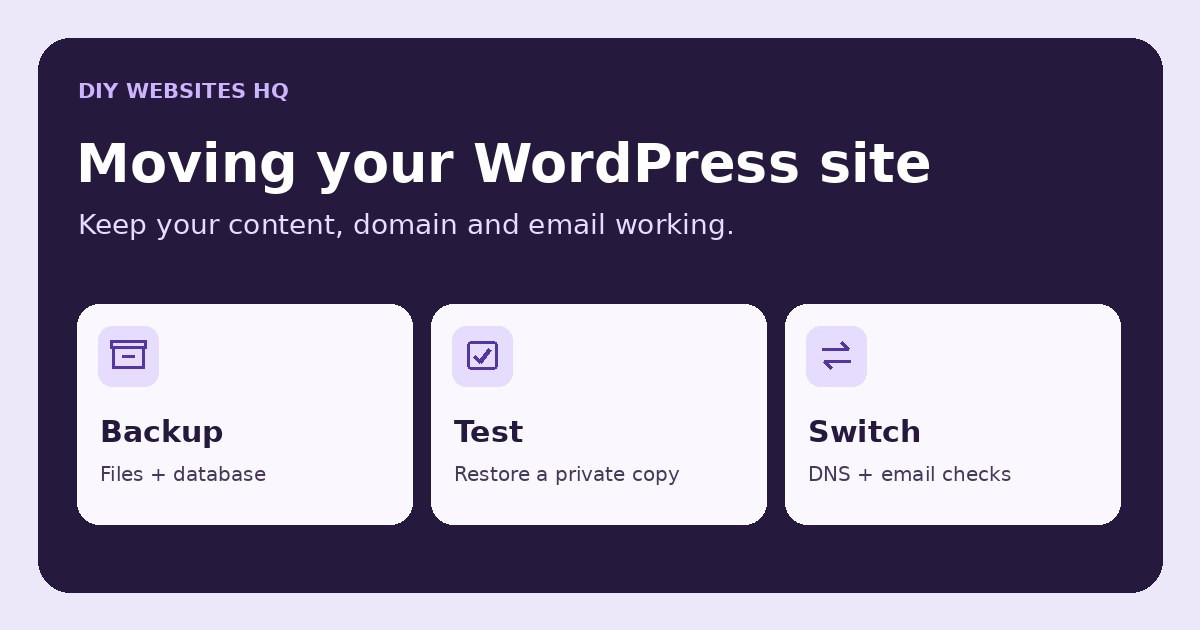
By Sherry Wood · Digital marketing, website content and SEO · Wealthy Affiliate terms checked November 14, 2026 Before you cancel Wealthy Affiliate, get a ...

Decide whether WordPress fits your affiliate website, with a small-site plan, honest recommendations, clear disclosures and realistic measurement.
See why WordPress suits growing content websites: publishing, control, useful SEO tools and room to expand, with honest costs and maintenance trade-offs.
Review public access, page clarity, evidence, images, internal links and measurement with a practical WordPress checklist for AI search.
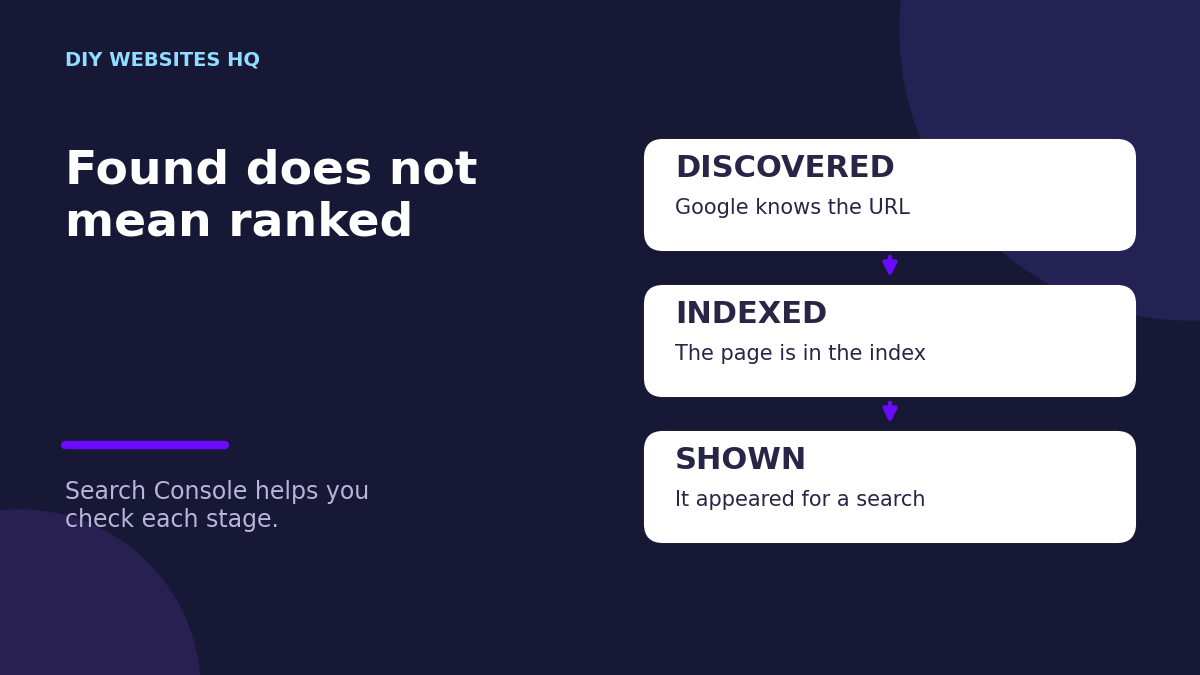
Measure AI citations, referral visits and reader actions separately using current Google, Bing and GA4 guidance, with a practical tracking template.