Review one public WordPress page at a time: confirm access, inspect the answer and its evidence, check images and links, then record what you changed. This checklist helps you finish useful work without treating an AI citation as something you can guarantee.
By Sherry Wood · Updated October 31, 2026
Choose one page and define the check
Begin with a page that already has a clear purpose: a tutorial, a platform comparison or a guide answering a common reader question. Write down its normal public address and the task it should help someone finish. Keep the original wording or an available revision so you can recover from an unhelpful edit.
Do not start by replacing your theme or installing several plugins. A defined page review is easier to complete and assess. If the page has not been published yet, our WordPress publishing guide covers the basic draft-to-public sequence.
Check public access before polishing the copy
- Open the intended public HTTPS address.
- Confirm that the main content appears without an editor login.
- Check that the page is not replaced by a password form, error or unfinished template.
- Review whether the preferred address matches the page you intend to publish.
- If search visibility is missing, inspect the specific URL rather than changing unrelated site settings.
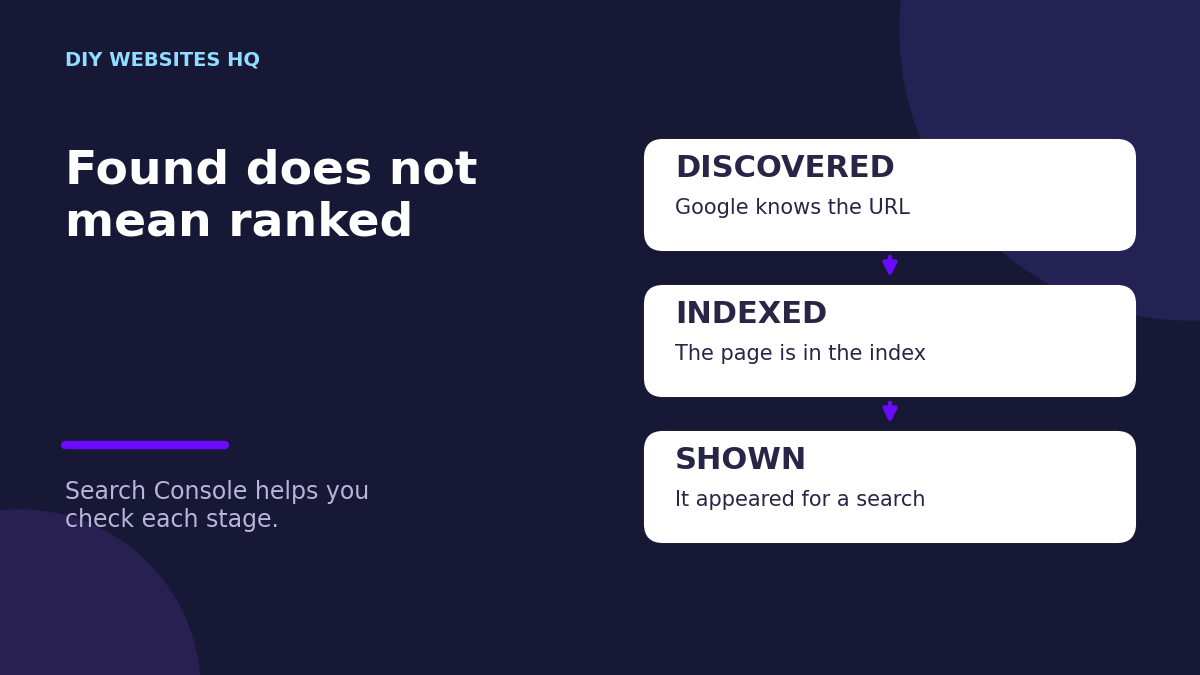
A page loading in your logged-in editor is not the same as the public page working. Use a public view where available and distinguish what you observed. If a restriction is intentional, preserve it. If an exclusion needs investigation, use our indexing troubleshooting guide to identify the actual cause.
Check discovery rules with a defined purpose
Google describes ordinary search eligibility as the foundation for its AI search features. Its AI features documentation says there is no required special AI markup. For ChatGPT, read our crawler and discovery guide to distinguish search access from training preferences.
Record which system you are checking. Do not remove all robots rules or turn off security protections because a general checklist says to allow crawlers. A host can help diagnose a specific access problem while preserving the rest of the site’s protections. Save the before-and-after details when a change is needed.
Read the opening as a visitor
Hide the rest of the article and read its first two paragraphs. Can you identify the question and the useful answer? A beginner should not have to read several paragraphs of broad commentary before learning whether the page addresses their problem.
For example, a domain connection guide can begin by explaining that the registrar, website host and email service may be different companies. That gives the reader a practical reason to pause before changing records. An introduction promising to transform an online journey gives them much less to use.
Rewrite only what needs improvement. Preserve specific details that explain a real decision. Our first helpful blog post guide provides an approachable structure.
Inspect the evidence behind the main recommendation
| Claim type | Check before publishing |
|---|---|
| Provider fact | Current original source and date |
| Personal experience | The actual task, context and observation |
| Worked example | A clear label separating it from measured results |
| Recommendation | Reader fit, limitations and reasoning |
Keep a specification separate from a test result. A provider saying a backup is available does not prove you completed a restore. A screenshot of an editor does not establish that an article earned traffic. State the useful observation without stretching it into a broader result.
If the page contains an affiliate recommendation, make the relationship clear and check that the destination fits the reader’s next task.
Check headings and the path through the page
Read the headings in order. They should describe the questions, decisions or steps covered by the article. Remove headings that repeat the title without introducing useful information. Combine sections that give the same answer.
Use a table when the same criteria apply to several options. Use a numbered list when order matters. Put an explanation next to a chart so the reader understands its units and basis. Do not invent a score for credibility, AI readiness or likely earnings merely to make a visual look complete.
A useful reading path is more important than repeating an exact phrase in every heading. The SEO, GEO and AEO introduction explains how these goals overlap.
Inspect images wherever readers will see them
Check the featured image, the image inside the article and the card in the guide library. WordPress and themes can use different fields for those placements. Adding a picture to the article body may not populate a related-post card.
Use an accurate alt description for a meaningful image. A screenshot should show the step being explained and avoid exposing account information. An illustration can help explain a concept, but should not pretend to document a test. Check the actual public page for missing images before calling the task complete.
Our DIY build record documents an example where assigning a featured image corrected an empty related-article card. It is a publishing lesson rather than a claim about ranking effects.
Follow the links a reader is likely to use
- Open the main supporting tutorial.
- Check the comparison or pricing source near a recommendation.
- Follow the next-step link at the end of the page.
- Check that downloads identify what the reader receives.
- Confirm that the article can be found from a relevant library or older guide.
Use descriptive link text and avoid adding unrelated links simply to increase a count. A reader should understand why the destination is useful. The internal linking guide helps you build connections around tasks rather than a fixed number of links.
Check the phone view and search presentation
Use an actual phone or a browser viewport that is genuinely set to a narrow width. Confirm the measured viewport when using an emulator. Check whether long URLs, tables and diagrams stay within their containers, and whether buttons remain readable.
Next inspect the page title, search description and excerpt. They should describe the finished content rather than a previous draft or a block of style code. A setting that is saved in an editor still needs a public check. Record a limitation if you cannot verify a particular view; do not label desktop inspection as a mobile test.
Keep these quick checks beside your editor
- The page has one defined reader task.
- The public address opens the intended content.
- The opening answers the main question.
- Changing provider facts have a current source.
- Firsthand claims identify the actual observation.
- Examples are not presented as measured outcomes.
- Tables compare matching criteria.
- Images load in the article and its cards.
- The next-step link leads to a relevant page.
- The narrow view has been inspected where available.
- The title and description match the finished guide.
- The change record distinguishes publication from performance.
These are review prompts, not an official certification or a twelve-point ranking score. Mark an item complete only when your check supports it. Use “not checked” when the required access or device is unavailable.
Before moving to the next article, write the one remaining issue that matters most. It might be an unavailable device check or a provider detail still needing confirmation. Give that issue a defined next action rather than leaving the entire page marked vaguely unfinished. This makes a later review faster and reduces unnecessary rewriting.
Decide what deserves a later review
Some checks remain useful until the page changes. Others depend on a provider’s current offer or an evolving interface. Note the parts most likely to need attention: screenshots, subscription terms, links to reports, product specifications and instructions tied to a particular editor.
For a comparison, record which source should trigger a revision. For a tutorial, identify the interface step a reader might no longer recognize. This makes maintenance more focused than reopening every article and rewriting its introduction.
When a new report becomes available, add the observation to the measurement record. Do not automatically revise the whole page because a metric moved. First ask whether the page’s answer is inaccurate, incomplete or difficult to use. A specific diagnosis gives the next edit a purpose.
Keep a small change record
| Item | Your note |
|---|---|
| Page and date | Public URL and when it was checked |
| Issue found | A specific problem a reader might encounter |
| Change made | The section, link, image or setting changed |
| Verification | What the public check actually showed |
| Later measurement | A separate report window and metric |
For example, you might record that an article’s library card had no image, that you assigned the intended featured image and that the public card now loads it. That establishes the publishing correction. Search visibility or sales need their own later evidence.
Use the checklist as a repeatable publishing habit
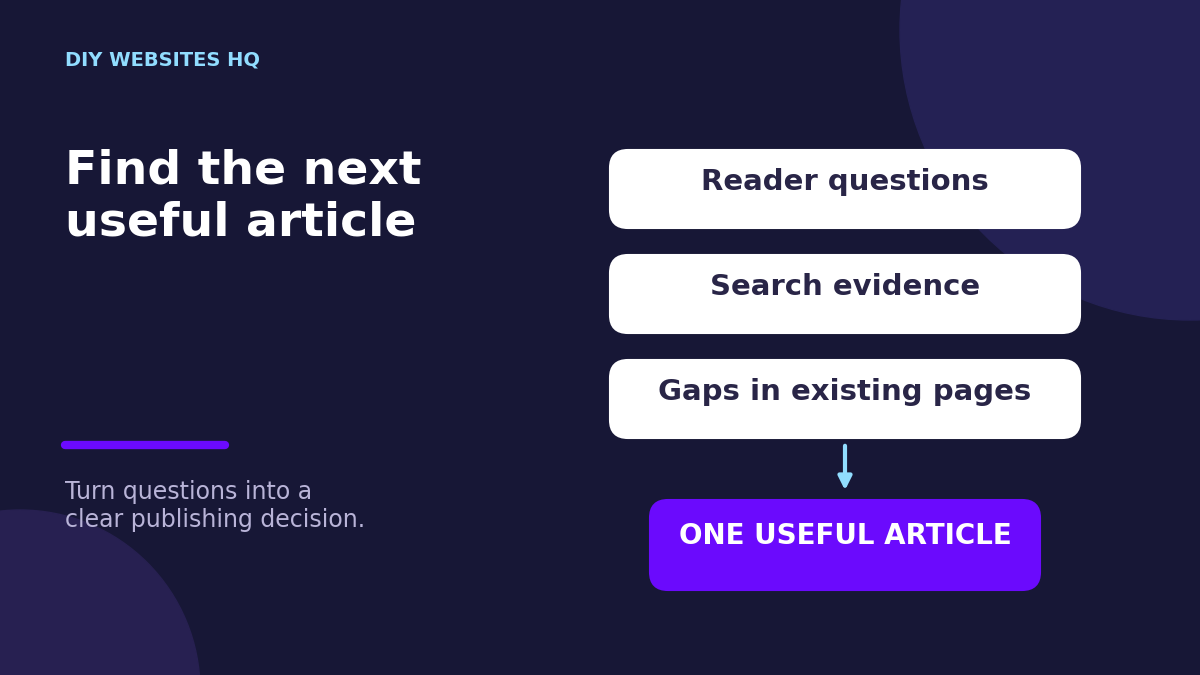
Finish one useful review
Inspect the public page
Fix a specific issue
Check the saved result
Keep the observation
Once the public page works, decide when to review the relevant reports. Keep citation counts, recorded visits and affiliate outcomes separate with our AI measurement guide. If you are using an assistant to help revise the page, follow the AI SEO workflow so the final facts and examples remain checked.
A completed page review gives you something concrete to improve over time. Repeat the process on the next important article rather than rebuilding the whole website each time a new optimization term appears.
Sources and further reading
Provider guidance checked October 31, 2026. Workflows and hypothetical examples are editorial guidance; they do not promise indexing, citations, traffic or income.