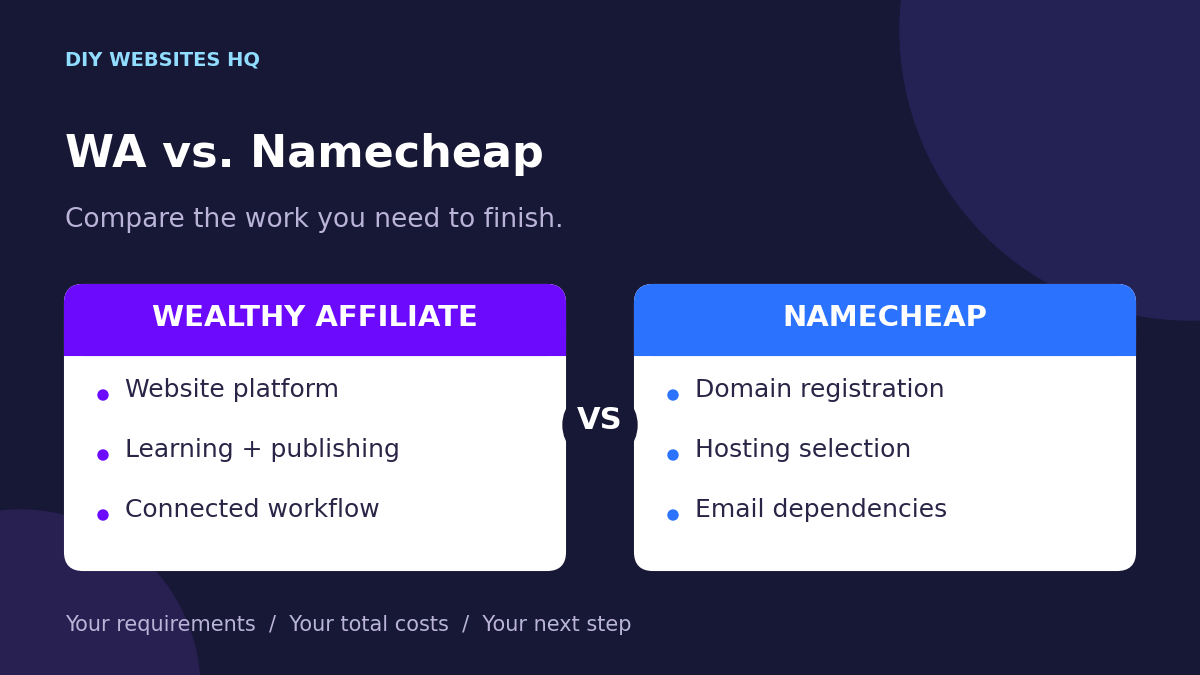
The useful question in Wealthy Affiliate vs. Namecheap is separating the registrar decision from the hosting and training decisions. Choose around the work you need to finish, then compare the full bill and the tasks left to you.
A domain purchase and a website move are different tests
The working example is DIY Websites HQ itself: one WordPress website with 29 articles, comparison and resource pages, downloadable worksheets and public comments. That is a more useful brief than comparing the largest feature lists a provider can advertise.
The domain diywebsiteshq.com identifies the public site. Its registration decision is separate from copying WordPress content to a hosting service. A registrar comparison should therefore check control of the domain, renewal, DNS management and the records that support email. A hosting comparison should check the chosen hosting product and recovery process.
Before changing a live setup, reproduce one guide and one download on the replacement environment, then verify the public address, images and navigation. Keep the old service available until the replacement is checked. The comparison worksheet should name the actual product selected; a low domain-registration offer should not be presented as the total website cost.
See the actual site-build record and use the platform comparison worksheet to record your own requirements.
What is the actual decision?
Wealthy Affiliate combines hosting with a wider planning, creation, learning and community environment. Namecheap should be evaluated on the specific product and plan you intend to buy. Comparing brand names without selecting the services can hide important differences.
Write down your next outcome before opening either checkout. A first-time publisher may need help turning an idea into a useful set of pages. An experienced WordPress user may already have a workflow and only need suitable hosting. The same feature list has different value for those readers.
Current cost example
Namecheap’s shared-hosting page displays several trial and billing-period choices. Use the exact checkout for the term you want and record its renewal. This guide does not merge different promotional tabs into one monthly quote.
WA’s public Builder plan is $29 monthly or $290 prepaid annually, before applicable tax. Larger plans and usage allowances differ. These examples were checked October 24, 2026 and are not a complete cost quote.
Sources: Namecheap current product and pricing page and WA public pricing. Account-specific offers and legacy memberships can differ.
| Decision | Current context | Your check |
|---|---|---|
| Hosting scope | Stellar is presented as shared hosting with resource and mailbox limits. | Review the selected plan, location and renewal period. |
| Domain scope | Registering a domain is a separate service decision. | You can evaluate the registrar even if you host elsewhere. |
| AI tools | The current page promotes AI-assisted website tools. | Do not assume standalone hosting has no AI features. |
Buying the domain does not settle the hosting question
Namecheap can appear in two separate parts of your decision: registering a name and hosting the website. You do not have to treat those purchases as one verdict. A reader may choose a registrar for domain management while using a different website platform, subject to the connection methods supported by those services.
Keep a domain worksheet with the registrant account you control, renewal date, active DNS provider and email service. If you move hosting later, those records help you identify what should change. Transferring the registration and connecting the website are different operations; doing one does not copy the WordPress content.
The shared-hosting comparison should use the exact Stellar offer, billing term and data-center choice presented to you. Do not substitute a WordPress-specific hosting product or a different tier midway through the budget. If two tabs show different prices, record the selected checkout rather than combining the cheapest number from each screen.
For an existing site, email can be the most easily overlooked dependency. Find out which mailboxes and records belong to the old host before changing nameservers or ending the account. A successful website move with broken mail is an unfinished migration.
Compare first-year cash and renewal separately
Record the amount charged today, the months it covers and the next renewal. A per-month equivalent is not necessarily a monthly payment. Compare the same period, site count and required extras for both candidates.
Add domain renewal, email, backup or restore charges, paid plugins and any external AI subscription your workflow needs. Leave optional purchases out until you can explain the limitation they solve. Use the website budget worksheet to keep the assumptions visible.
Run one complete workflow before committing
Choose a representative task: publish a researched article, build a service page or update an existing guide. Check whether you can edit it confidently, place the required links, review a mobile preview and find help when something is unclear.
For a hosting purchase, inspect the resource limits and recovery process. For a broader membership, test whether the planning and training help you finish. Neither a feature tour nor a generated draft proves that the setup fits your everyday work.
Control, backups and moving later
Know where your domain is registered and where DNS and email are managed. Ask how to export the site, obtain a backup and restore it elsewhere. Do not cancel a working service before the replacement has been tested.
A migration can involve files, database, links, HTTPS and email. Use the backup checklist and domain connection guide to plan those dependencies. Confirm the selected service supports the integrations and access your project needs.
Support: ask a question that reveals scope
Try a concrete question about the exact plan, such as how to restore a damaged site or which tasks are managed for you. Distinguish hosting support from business advice and community discussion. A friendly sales answer is useful, but it is not evidence of independently measured uptime or response speed.
This comparison does not invent speed-test scores or claim that one brand is always faster. A meaningful performance comparison requires comparable configurations, locations and measurement conditions.
Who should choose which route?
Consider WA when the connected business-planning and publishing environment removes a real obstacle and you can afford its recurring cost without assuming immediate revenue. Start with the smallest allowance that fits actual work.
Consider Namecheap when the selected service meets your website requirements and you are comfortable with the tasks it leaves to you. Keep training and research tools as separate budget decisions if they are not part of that offer.
If you cannot explain the difference that matters for your project, complete a small requirements sheet before paying. Your site purpose, time and budget should lead the choice.
A final decision checklist
- My site and required integrations fit the selected plan.
- I understand the upfront charge and renewal.
- I know the separate domain, email and software costs.
- I can maintain and recover the site.
- I have tested one useful workflow.
- I know when and how I will reassess the subscription.
See the full hosting overview for the wider shortlist, WA plan guide for membership detail, and all comparisons for training and keyword tools.
I may earn a commission if you join through this link.