
Beginner guidance for WordPress setup, design and everyday website publishing.
WordPress
0

Choose between Undo, autosaves and revisions, recover only the content you need, and keep newer improvements during a WordPress editing correction.
 Sherry Wood
0
Help readers move through a long WordPress guide with clear heading anchors, a short contents list and a repeatable public-page check.
0
Build a useful comparison table with clear facts, captions, row and column headers, meaningful links and actual narrow-screen checks.
0

Prepare a useful public PDF, add it with the WordPress File block and verify the actual download. Includes a worked example and release checklist.
0
Document your website’s colors, readable typography, spacing and reusable patterns. Includes calculated contrast examples and a one-page style checklist.
0
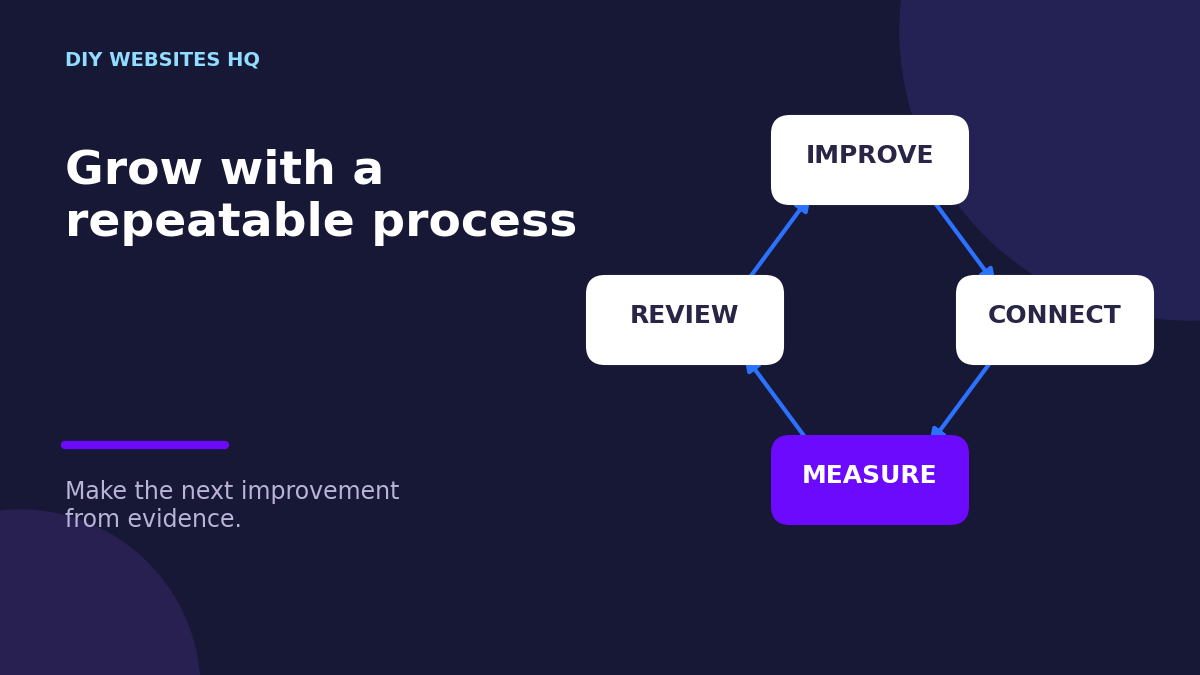
Review a slow WordPress page with a repeatable test, useful performance evidence and one change at a time. Check images, layout, scripts and hosting support.
0
Check a WordPress contact form from the visitor’s first input to a received message and useful reply, with a practical test log and delivery troubleshooting.
0

Choose clear WordPress URLs and understand what changes after publication. Includes a slug checklist, an old-to-new URL map and redirect verification steps.
0
Plan and check WordPress navigation in a block or classic theme. Choose clear labels, working destinations and a mobile menu visitors can actually use.
0

Organize WordPress posts with useful categories and reusable tags. Includes a small-site example, archive review and a careful cleanup worksheet.
0
Choose WordPress pages or posts by the job your content does. Includes a small-site example, a decision worksheet and checks for published navigation.
0
Troubleshoot a domain after a DNS change by checking the exact address, active DNS provider, host connection, HTTPS and email before making more edits.