A training platform and a hosting plan solve different problems. Compare Wealthy Affiliate with Hostinger, Namecheap and WordPress.com by deciding what you need help doing, then calculating the complete bill. The cheapest advertised monthly number is only one part of that decision.
Need a guided business-building environment? Evaluate WA’s planning, training and hosting together.
Already know how to build a site? Compare a host’s resources, renewal price and maintenance responsibilities.
Want managed WordPress in a hosted service? Check WordPress.com’s current paid plan capabilities and limits.
A real website to use as the requirements sheet
The working example is DIY Websites HQ itself: one WordPress website with 29 articles, comparison and resource pages, downloadable worksheets and public comments. That is a more useful brief than comparing the largest feature lists a provider can advertise.
| Requirement | How to evaluate a replacement |
|---|---|
| WordPress guides | Publish and preview one representative article. |
| Featured and related images | Assign a native featured image and check the public cards. |
| Worksheet downloads | Test one PDF button in a public view. |
| Domain and email | Record the DNS and email dependencies before a move. |
| Recovery | Know the host’s restore route and separately test WordPress revisions. |
The example gives each provider the same job. Record the complete selected offer, including any separate domain, email, software and learning costs. The recovery guide documents a small revision test completed on this site.
What each option is actually selling
WA bundles hosting with a wider learning and content workflow. Hostinger and Namecheap sell hosting products, with additional tools that vary by plan. WordPress.com provides hosted WordPress plans. These categories overlap, but they do not make the same promise about business coaching, implementation or support.
A host can provide a technically functioning website without teaching you to choose a niche or earn affiliate commissions. A training platform can explain a publishing process without guaranteeing a successful business. Separate those jobs before deciding whether a bundle is good value.
| Decision | WA | Hostinger / Namecheap | WordPress.com |
|---|---|---|---|
| Main reason to consider it | Integrated planning, learning and website work. | Hosting resources and tools for building your chosen site. | Hosted WordPress with plan-based features. |
| Who supplies your content strategy? | You, with platform tools and training to assist. | You or a separately chosen advisor/course. | You, with the service’s available tools. |
| Domain decision | Check registration and renewal separately. | Promotions vary by provider, term and domain extension. | Eligible annual plans advertise a first-year domain. |
| Maintenance decision | Learn what the hosting service covers and keep your own recovery plan. | Check updates, backups, restore rules and support scope. | Check managed features and your plan’s limits. |
| Fair test | Can I follow the workflow and publish useful work? | Can I run and maintain my site within the plan? | Does the plan support the site and plugins I need? |
Current price examples: read the billing term
The examples below were checked October 24, 2026, in US dollars before tax. They are selected entry options, not every plan and not a claim that the services are equivalent.
| Example | Displayed offer / initial commitment | Renewal and scope to inspect |
|---|---|---|
| WA Builder | $29 monthly, or $290 prepaid annually. | Public plan allowance: one website. Check extras and the actual checkout. |
| Hostinger Premium | $2.49/month equivalent with 48-month prepayment: $119.52 upfront. | Displayed renewal: $10.99/month. Three sites, 20 GB SSD; domain and mailbox promotions have time limits. |
| Namecheap Stellar | The page displays trial and billing-period offers; use the live checkout for the chosen term. | Compare the exact renewal line, storage, backups and email allowance. Do not mix monthly and annual promo figures. |
| WordPress.com Personal | $4/month equivalent billed annually: $48 upfront. Monthly billing is $9/month. | Check the selected term, domain renewal and 6 GB storage allowance. Paid plans currently support plugins. |
Live sources: WA · Hostinger · Namecheap shared hosting · WordPress.com. Prices and promotions can change. Namecheap’s page presents several billing choices, so this guide deliberately avoids turning them into one misleading monthly figure.
Why the lowest monthly figure can require the largest commitment
Hostinger’s displayed Premium offer illustrates the issue: the $2.49 equivalent requires paying for four years upfront. It can be a low hosting outlay for that period, but it is not a monthly cancellation experiment at $2.49. Compare that commitment with your confidence in the project and your ability to move later.
Similarly, an annual website plan can be easier to understand as a single yearly bill. Write the real charge next to the equivalent monthly price. If your budget is tight, a larger discount does not make a payment affordable today.
A budget worksheet you can reuse at any checkout
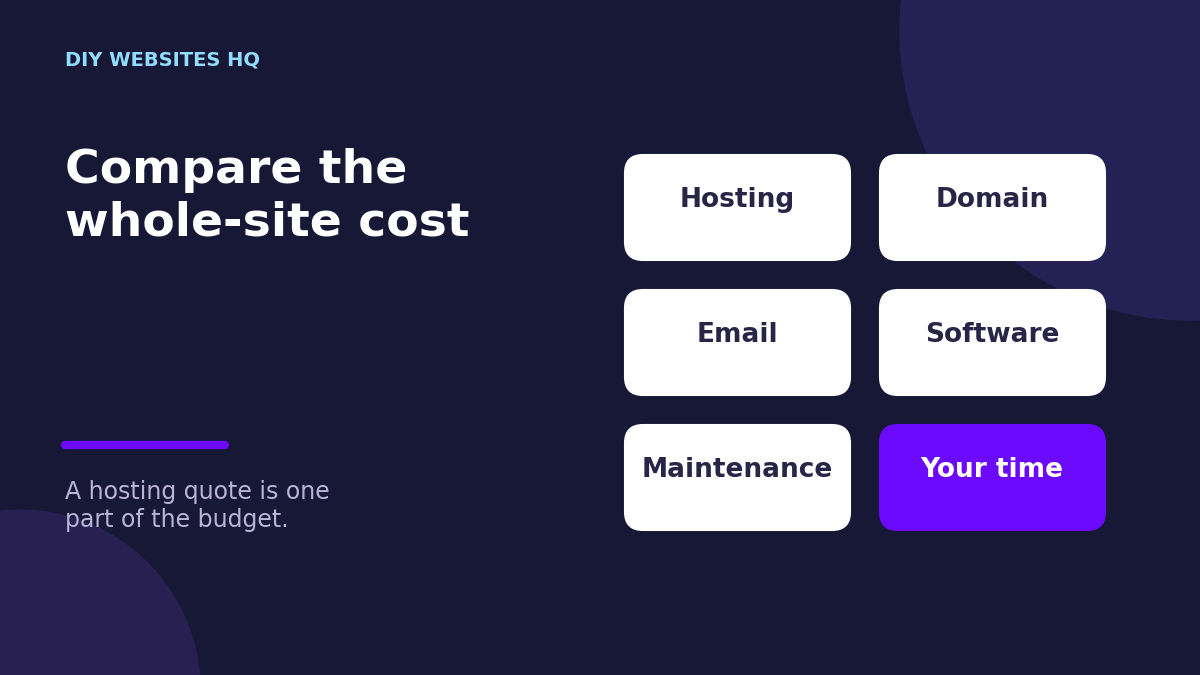
| Cost field | What to record |
|---|---|
| Initial hosting charge | Dollar amount actually due today and how many months it buys. |
| Next renewal | Date, renewal term and renewal charge before tax. |
| Domain | First-year registration, renewal, privacy policy and transfer eligibility. |
| Mailbox cost now and after the promotional period; marketing email is separate. | |
| Recovery | Backup frequency, retention, restore procedure and any restore charge. |
| Tools | Only the themes, plugins, AI services and research tools your site actually needs. |
| Exit | Export process, migration cost and enough overlap to test the replacement. |
For a hypothetical plan, suppose hosting is $60 for year one and $120 at renewal, a domain is $12 then $20, and email is $24 annually. That is $96 for the first year and $164 for the second before tax or optional tools. These numbers are an example, not any provider’s quote. The exercise exposes a cost change that a single “per month” badge would hide.
Build the same worksheet for each candidate using the same site count and period. Do not compare a first-year discount for one host with a renewal bill for another. Do not add a premium theme to one column unless your requirements also call for it in the other columns.
Domains: registration, DNS and hosting are separate
Your domain is the address you register. Hosting is where the website runs. DNS connects the address to the relevant services. You can often use different providers for those jobs; the setup depends on the platform. See domain names vs. hosting before changing nameservers.
Separating a registrar from a host can make future moves clearer, but it also creates another account to secure and renew. Keeping them together can simplify a first purchase, but does not remove the need to understand ownership. Register the domain in an account you control, keep renewal contact details current and retain access to the recovery email.
A “free domain” typically describes a promotion under specific terms. Check eligible extensions, the length of the promotion, renewal price and what happens if you cancel hosting. Do not assume business email, a premium domain or a later transfer is included.
What about WordPress.com and WordPress.org?
WordPress.org distributes the WordPress software used with compatible hosting. WordPress.com is a hosted service with its own plans. They share a software ecosystem, but a tutorial for one environment may not match the controls in the other. Our WordPress.com vs. WordPress.org guide explains the distinction.
One important current correction: WordPress.com’s public pricing page now lists plugin installation on paid plans. Old comparisons that say plugins always require the Business tier can lead readers to overbudget. Still check the specific plugin’s compatibility, licensing, resources and the plan’s limitations; “plugins allowed” does not make every plugin a sensible choice.
AI tools do not remove the comparison
Hosting companies increasingly advertise AI builders or WordPress helpers. Namecheap and Hostinger currently promote AI tools, so a simplistic “WA has AI, hosts do not” table would be inaccurate. Instead, test the task you care about: starting a page, editing a layout, preparing a content brief, or keeping brand details consistent.
Ask where the generated content is stored, whether you can edit and export it, what usage limits apply and which features need another subscription. Then check the output. A fluent page can still contain inaccurate prices, unsupported claims or generic advice. Your publishing standard should remain the same regardless of who generates the draft.
Backups and support: test the recovery path
Before you rely on a site for leads or income, know how to recover it. A backup promise is incomplete without retention, restore steps and a working contact route. Ask whether backups include files and database, whether you can download a copy and what happens if a bad update is not noticed for several days.
For support, prepare a small, specific question about the plan you intend to buy. Notice whether the answer explains the limitation clearly. A friendly sales conversation is helpful, but it is not an independent uptime test. This article does not invent speed scores or declare one host faster without comparable measurements.
Which option fits three common readers?
1. The first content-site owner who wants guidance
Consider WA if connecting the business plan, training, website and content workflow makes it easier to finish work. Evaluate the free starting experience and the least expensive paid plan that meets your needs. Do not pay for a larger allowance simply because it exists. Read the WA pricing breakdown alongside this guide.
2. The WordPress user who only needs hosting
Put Hostinger and Namecheap on a hosting shortlist and compare the exact plan against your site. Review resources, renewals, backups, email and migration. If you already have a publishing process, you may not need a training subscription to solve a hosting problem.
3. The owner who wants a hosted WordPress service
Consider WordPress.com when its current paid plan supports your requirements and you value its hosted environment. Make a list of the integrations, plugins and customization you need before choosing a tier. A small brochure site and a growing store have different requirements.
Before moving an existing website
- Make and retain a backup of files and database. Record where DNS and email are managed.
- Set up the new environment and check pages, forms, menus, images and any checkout.
- Plan the DNS change and email records carefully. Avoid canceling the old service before the replacement works.
- Keep important URLs unchanged where possible. If a URL changes, plan and test a suitable redirect.
- Check HTTPS, canonical URLs and Search Console after the move.
A migration is a separate project from buying a new subscription. Saving a small monthly fee is not worthwhile if an unplanned move breaks contact forms or email. Get help with the particular move if you cannot verify those dependencies.
Make the smallest purchase that solves the next problem
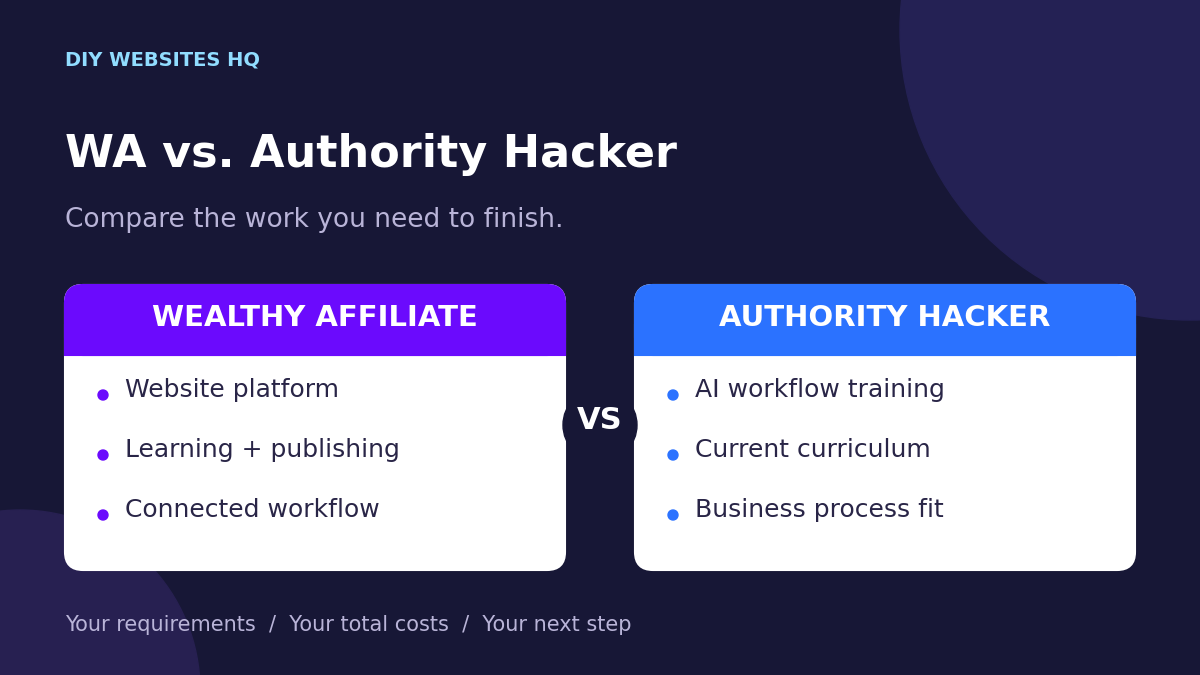
A beginner’s first goal is a usable site with a coherent purpose, essential pages and useful content. Spend where it removes a real obstacle. If you are deciding between a website-building ecosystem and advanced AI training, use our WA vs. Authority Hacker comparison. If you are mainly trying to avoid duplicate subscriptions, start with the keyword tool guide.
Affiliate link; I may earn a commission. Check the provider’s current checkout before committing.
Disclosure: I use Wealthy Affiliate and may earn a commission through my WA links. Hostinger, Namecheap and WordPress.com links below go to their public information. This is a feature and buying-cost comparison, not an independent performance test.
Keep building with a focused guide
Use the same decision-focused approach when preparing comparisons for your own readers.