You do not need a pile of keyword subscriptions to begin writing useful website content. You need a repeatable way to find a real question, understand the reader’s goal and decide whether you can produce a better answer. Use tools to support that judgment, then measure what happens.
A topic map taken from this website
The following questions map to guides actually published on DIY Websites HQ. This is a content-planning example, not a report of measured keyword volume or ranking positions.
| Reader question | Published answer | Useful next step |
|---|---|---|
| What is a domain compared with hosting? | Domain vs. hosting | Connect the domain |
| How do I undo a WordPress editing mistake? | Recovery and revision drill | Practise with an unpublished draft. |
| Which website service fits my work? | Platform comparisons | Complete the comparison worksheet. |
| Why is my page missing from Google? | Indexing troubleshooting | Inspect the URL in Search Console |
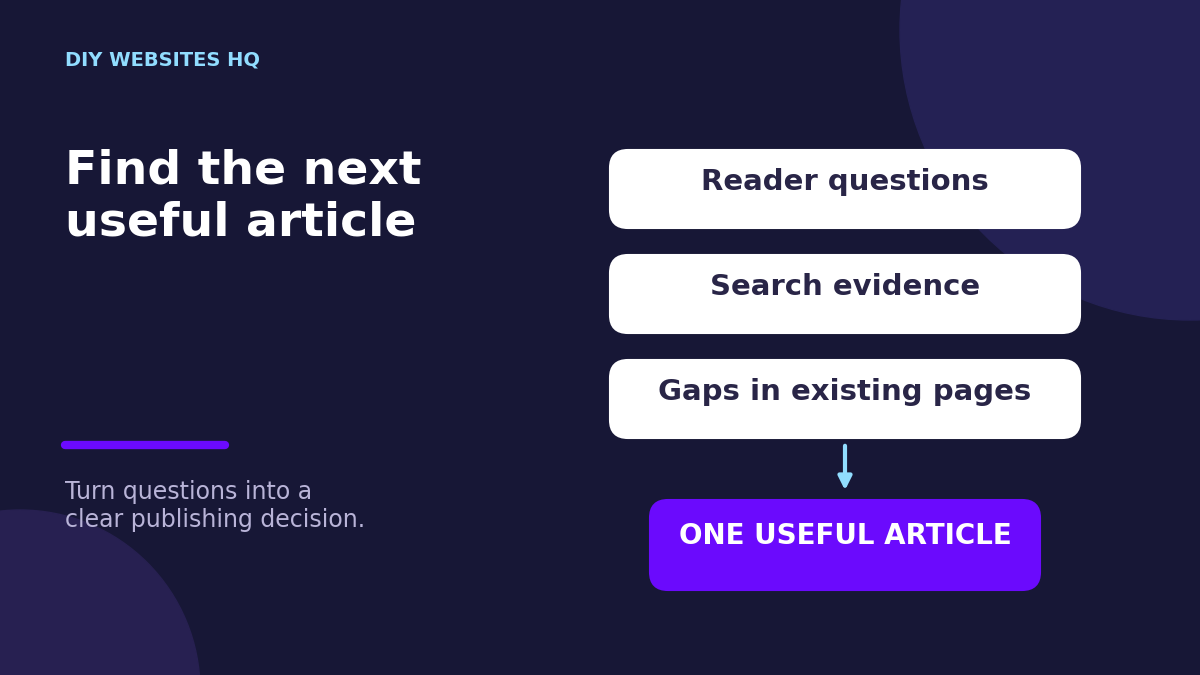
Each row has a specific reader, a question and a next action. Use a research tool to investigate the language readers use, then inspect the page you already have before creating another article. If the existing guide answers the question, improve it or link to it rather than publishing a near duplicate.
Worked example: three keyword phrases, one stronger guide
Illustrative planning exercise; no search-volume or ranking figures are implied. Suppose your research produces “connect a domain to WordPress,” “Namecheap domain WordPress” and “WordPress DNS setup.” Before making three articles, compare what the reader needs to finish.
- Name the shared task: connect an existing domain to the correct website without losing another service such as email.
- Find the existing answer: inspect your domain-connection guide. Does it explain which provider controls DNS and distinguish WordPress.com from another WordPress host?
- Assign a useful section: the Namecheap phrase can become a registrar-specific decision example inside that guide. “DNS setup” calls for a clear explanation of nameservers versus individual records, rather than another nearly identical introduction.
- Set an evidence requirement: link to the provider’s instructions, label examples and avoid publishing made-up DNS values. Record the date of any interface-specific check.
A separate article earns its place when it serves a substantially different task with enough useful evidence—for example, comparing domain registration with website hosting. A wording variation alone is a weak reason to create a new page.
Your brief can fit in four lines: reader’s task; existing destination URL; missing explanation; evidence needed. After publishing, use actual page and query reports to decide whether the update helped readers find the answer. A research suggestion is a candidate to investigate, not proof of demand.
Use the website content brief to turn that decision into a draft.
What a keyword tool can and cannot tell you
A keyword is a phrase a person might use to look for something. The phrase alone does not reveal the full job. Someone searching “best website platform” might want a store builder, a blogging host or a service that manages everything. Your first task is to narrow the question until your answer can be specific and useful.
Research tools organize signals and estimates. They do not guarantee a page will rank, that a visitor will buy, or that a topic fits your expertise. A difficulty score can be a useful sorting aid without being a promise about your particular site.
Choose the tool for the question you need answered
| Tool or source | Useful for | Important limit |
|---|---|---|
| WA Ace / Hub planning | Organizing a niche, audience and target topics within the current platform. | Confirm today’s available features; do not assume all legacy Jaaxy reports exist. |
| Google Search Console | Seeing queries, impressions and clicks associated with your own site in Google Search. | It is your site’s observed data, not a complete market-wide keyword database. |
| Google Trends | Comparing relative interest across time and regions. | Scores are normalized, not monthly search counts. Low-volume data can be unavailable. |
| Google Ads Keyword Planner | Generating ideas and reviewing advertising-oriented search estimates. | Account setup includes billing information for basic access; ad competition is not organic ranking difficulty. |
| Reader questions and search results | Understanding language, intent, missing explanations and the format people need. | Your observations are a sample, not a measured demand forecast. |
Primary documentation: Search Console, Google Trends data, and Keyword Planner.
A beginner workflow: from a broad idea to one useful article
Step 1: name the reader and the problem
Start with a plain sentence: “I help first-time apartment gardeners grow a small amount of food on a balcony.” That is more actionable than “my niche is gardening.” It also gives you a test for future ideas: would this reader care about the answer?
Collect questions from genuine conversations, product support information, public discussions and your own observations. Record where an idea came from so you can return to the context. Do not copy someone’s personal story or private information into an article without permission.
Step 2: separate ideas by intent
“Balcony planter depth for lettuce” asks for an explanation. “Best balcony planters for lettuce” asks for a buying decision. “Planter drainage holes blocked” asks for troubleshooting. Those may deserve separate answers, or sections in one well-organized guide, depending on how much useful material you have.
Open relevant current search results and examine the actual pages. Are they tutorials, stores, videos, comparisons or forum discussions? Identify the question each result answers well and what remains unclear. This is a relevance check, not an invitation to copy the leading page.
Step 3: look for a contribution you can substantiate
For the planter-depth question, an original contribution might be labeled photos of two container sizes, clearly described growing conditions and a sensible explanation of drainage. If you have not grown the plants yourself, say that the guide is researched and cite suitable horticultural sources. Do not convert a generated draft into a fictional experiment.
Ask, “What will the reader be able to do after this page?” If the answer is merely “read another list,” improve the brief. A measurement checklist, a troubleshooting photo or a worked example may help more than another thousand words.
Step 4: use estimates as filters
If a tool offers search or competition estimates, note the date, location and settings. Compare related terms within the same tool rather than treating numbers from different providers as interchangeable. A very specific question can be valuable to your audience even when a tool has little data about it.
Do not call a topic “easy” solely because a score is low. Inspect the existing answers and consider whether you can produce credible, useful information. Avoid high-stakes advice outside your competence; choose a scope you can handle responsibly.
Step 5: create the brief before the draft
| Field | Example |
|---|---|
| Reader | A first-time gardener choosing a balcony container. |
| Main question | How should I choose planter depth for lettuce? |
| Intent | Understand the sizing decision before buying. |
| Evidence to gather | Relevant growing guidance, container dimensions and clearly labeled original observations if available. |
| Useful sections | Depth, drainage, watering implications, space limits and a measuring checklist. |
| Related pages | A container drainage guide and a beginner watering schedule. |
| What not to claim | Guaranteed harvests, universal dimensions for every setup or unperformed tests. |
Step 6: publish one strong answer and connect it
Give the page a clear title, a direct introduction and headings that reflect the reader’s questions. Use descriptive internal links to genuinely related pages. Avoid making several thin pages that differ only by a slight wording change; that can confuse readers and fragment your best explanation.
Before publishing, check factual statements, sources, images, links and the mobile layout. A target phrase helps focus the page. It does not need to appear awkwardly in every heading. Our first blog post guide turns the brief into a publishing checklist.
Step 7: review evidence after publication
When Search Console has data, look at the queries associated with the page. Are they consistent with the question you intended to answer? If people find the page for an adjacent topic that you can answer meaningfully, consider a useful update. Do not change everything based on a tiny sample or an incomplete reporting period.
Keep a simple log: page, publication date, intended question, changes made and the reason for each change. That makes learning easier than repeatedly rewriting pages because a generic ranking tip sounded convincing.
Should you pay for a separate keyword subscription?
Write down the report you need and the action you take from it. “I like seeing more numbers” is different from “I need to track a fixed set of locations and queries for a client report.” The second requirement can be tested against a tool’s actual features.
- Keep it if it supplies a distinct capability you use and the cost fits the project.
- Downgrade or pause it if a lower tier handles the same real workload under the provider’s terms.
- Cancel renewal if it duplicates access you already have or you no longer use it, after exporting reports you need.
For any legacy Jaaxy account, check the exact account and billing provider before taking action. A WA membership, an old standalone tool subscription and a PayPal payment agreement are not automatically the same thing. Save cancellation confirmation and verify the next billing date. Do not cancel the hosting membership by mistake while trying to remove a research-tool charge.
This is a general subscription audit, not a claim about a particular reader’s account. Features and billing can differ for legacy members. Ask support to identify the subscription if the charge description is unclear.
A lean starting tool set
Start with an idea log, source research and a sensible publishing plan. Add Search Console for your site’s Google visibility. Use Trends where seasonality matters. Explore other tools only when their outputs answer a question you cannot otherwise answer efficiently.
If you already pay for WA, learn what the current Ace and Hub workflow provides before buying another broad research subscription. If you do not use WA, the same research principles still apply. Good questions, credible evidence and useful answers do not belong to one platform.
For broader purchasing decisions, see all website and tool comparisons, WA vs. Authority Hacker and our SEO basics guide.
Continue with AI Search & SEO
Use generated keyword ideas as research candidates and keep measured demand separate from suggestions. Follow the practical AI-assisted workflow.