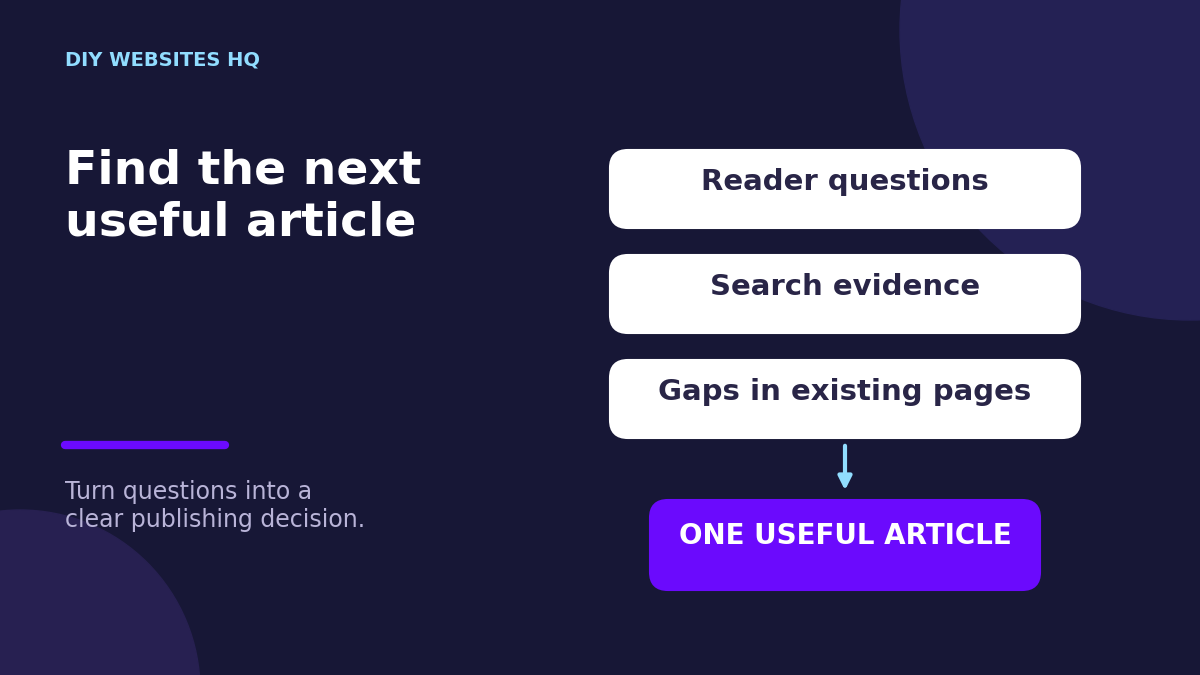
AI-assisted editorial illustration featuring Sherry Wood.
Your first blog post does not need to introduce everything you know. It needs to help one reader with one clear question.
Choose a question you can answer responsibly, then build an explanation that leaves the reader better equipped to act. A useful article is more persuasive than a long introduction about how exciting it is to start blogging.
Choose a question with a practical finish line
“How do I compare domain renewals?” has a clear task. “Everything about online business” does not. Write the question at the top of your draft and describe what the reader should be able to do by the end.
Decide what belongs in another article. A focused post can link to a related guide instead of trying to become the entire website.
Outline the answer before writing the introduction
Use three to five meaningful sections. A practical outline might explain what the reader needs, show the steps, give an example and address common mistakes.
Write headings that tell readers what they will find. A heading such as “Check the renewal price” is more helpful than “Important information.”
Add an example the reader can use
Examples turn general advice into something concrete. Show a comparison worksheet, a sample planning sentence or the questions you would ask before choosing a service.
Label hypothetical examples as examples. If you describe a test, explain what you actually did. If you rely on a provider’s documentation, link to it and make that distinction clear.
Use research to strengthen your answer
Check facts that can change, especially prices, software features and policies. Prefer the organization’s own documentation when describing how its product works.
Google’s people-first content guidance emphasizes serving readers with helpful, reliable information. Treat that as a reason to improve the answer rather than a reason to repeat search phrases through every paragraph.
Edit for the person who is new to the subject
Read the draft once for clarity and once for accuracy. Define unfamiliar terms when they first appear. Remove paragraphs that repeat a point without adding an example or a useful distinction.
- Does the opening explain the question and answer directly?
- Can the reader follow the steps in a sensible order?
- Do the headings make the article easy to scan?
- Are current claims supported by reliable sources?
- Do images add context, with appropriate alt text?
- Do links work and describe their destinations?
- Are any affiliate relationships disclosed clearly?
- Does the ending give the reader a useful next step?
Publish, then improve with real feedback
After publishing, check the live page on your phone. Share it where the subject is relevant and welcome. Notice which questions remain unanswered, and update the article when you can make the explanation more useful.
Do not change a date merely to make unchanged information look fresh. Update the substance when something needs correction or a better example.
How long should the post be?
Long enough to answer its question clearly. Do not add paragraphs simply to reach a word count.
Can I use AI to help?
It can help organize ideas or revise a draft. You still need to verify facts, check sources, remove invented experiences and make the final article useful to your audience.
Keep building
- How to Choose a Website Idea You Can Keep Building
- SEO Basics for a New Website: A Practical First Pass
- Affiliate Marketing Basics: Recommend Helpfully and Disclose Clearly
Follow the complete starter guide →