A new website does not need dozens of menu items. It needs enough clear, accurate pages for visitors to understand what you offer, why it is relevant and what they should do next.
Think about the questions someone has when arriving for the first time. Each essential page should answer one of those questions without making the visitor hunt.
Home: what is this site for?
Your homepage should identify the audience and the value of the site quickly. Give visitors a useful starting point: a guide, a service overview, a product category or another action that fits the project.
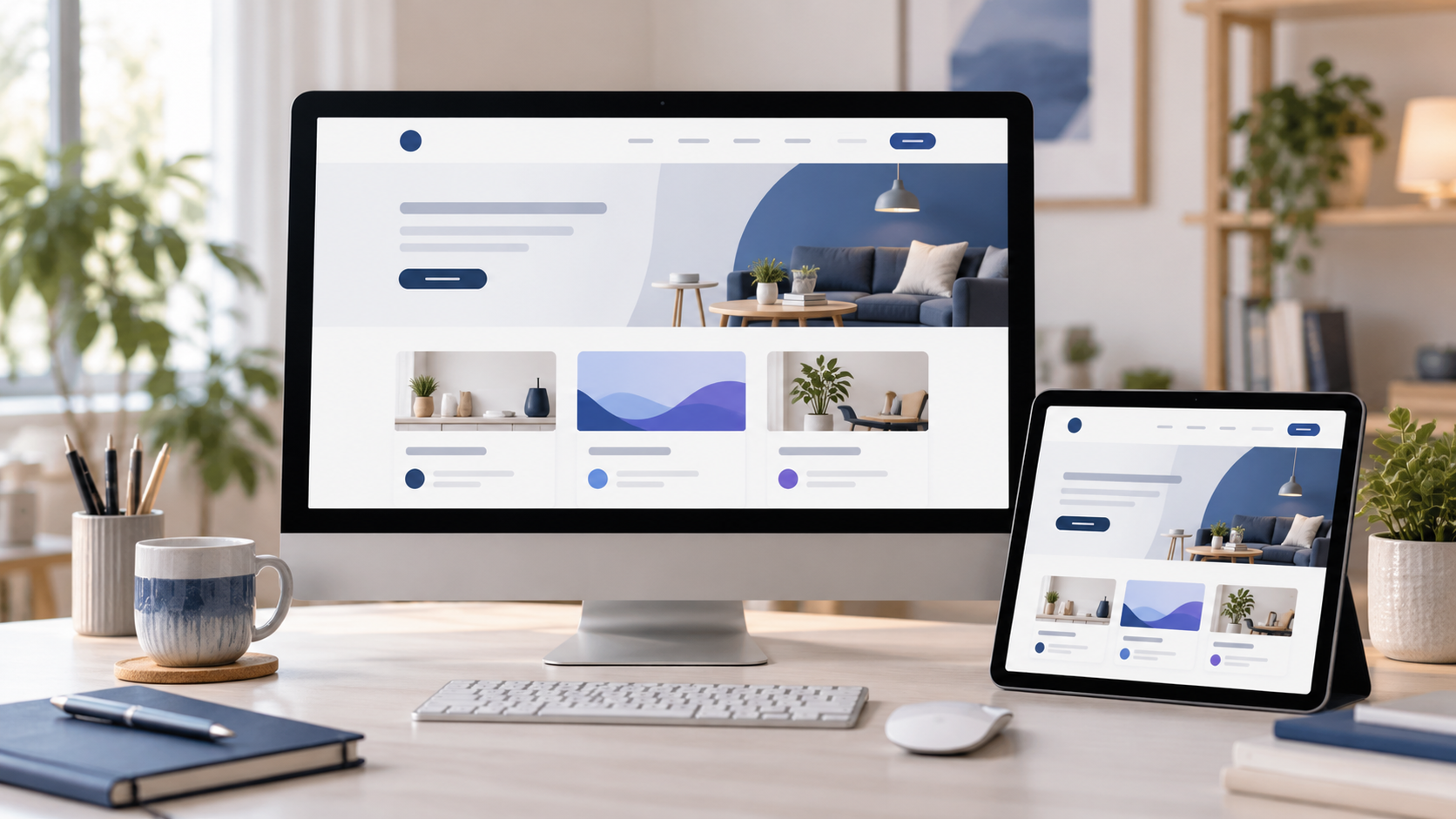
Check the page on a phone. If the first screen is mostly decorative imagery and the explanation is difficult to find, move the explanation higher or make it clearer.
About: who is behind it?
An About page should connect your relevant background with the reader’s needs. Explain who you are, what the site covers and what experience supports your approach. Use specific, truthful details rather than general claims that you are passionate or an expert in everything.
If you are still learning part of the subject, say so. Distinguishing experience from research makes a recommendation more useful.
Contact: how can someone reach you?
Provide a contact route you are prepared to monitor. A form should be tested from submission through delivery; a published email address should be one you intend to make public. Avoid putting a demo phone number or a sample form on a live site.
If inquiries are limited to a particular purpose, explain that clearly. A contact page should set a realistic expectation rather than promise immediate replies you cannot provide.
A useful starting page or service page
An educational site benefits from a Start Here page that connects the first few steps. A local business needs service information that explains what is offered, where it is available and how to request it. A portfolio needs relevant work examples.
Choose the page that helps your visitor take the next sensible step. Do not add a shop, a newsletter signup or a review form until you can support what it promises.
Privacy information and disclosures
Your privacy information should reflect how the site actually operates, including any forms, analytics or third-party services you use. An affiliate recommendation should clearly explain the relationship where readers encounter it. A generic template is a starting point for review, not proof that every requirement has been met.
Where your business or audience creates specific legal obligations, get advice appropriate to that situation before relying on a copied policy.
Keep navigation shorter than your page inventory
Not every page needs a place in the main menu. Keep the most important visitor paths prominent and put supporting information where people expect it, such as the footer.
In WordPress, pages are useful for standing information such as About and Contact. Posts work well for articles that belong in a dated, categorized collection.
Do I need a blog before launching?
Only if articles support the purpose of the site. A small service website can begin with strong service and contact information. An educational site needs enough substantive content to help its first readers.
Can I publish a page and fill it in later?
Keep incomplete pages as drafts. A shorter, finished navigation is more useful than a menu full of empty promises.
Keep building
- Five Questions Your Homepage Should Answer
- How to Write Your First Helpful Blog Post
- A Website Launch Checklist You Can Actually Finish
Follow the complete starter guide →
Sources and further reading
Put this into practice
Keep building with a focused guide
Make the site credible without centering it on a personal photograph, and plan a clear invitation for readers who want to return.
Put the next step into practice
Once the essential pages are in place, check that people can navigate them, read the information and complete the forms.