Sherry Wood
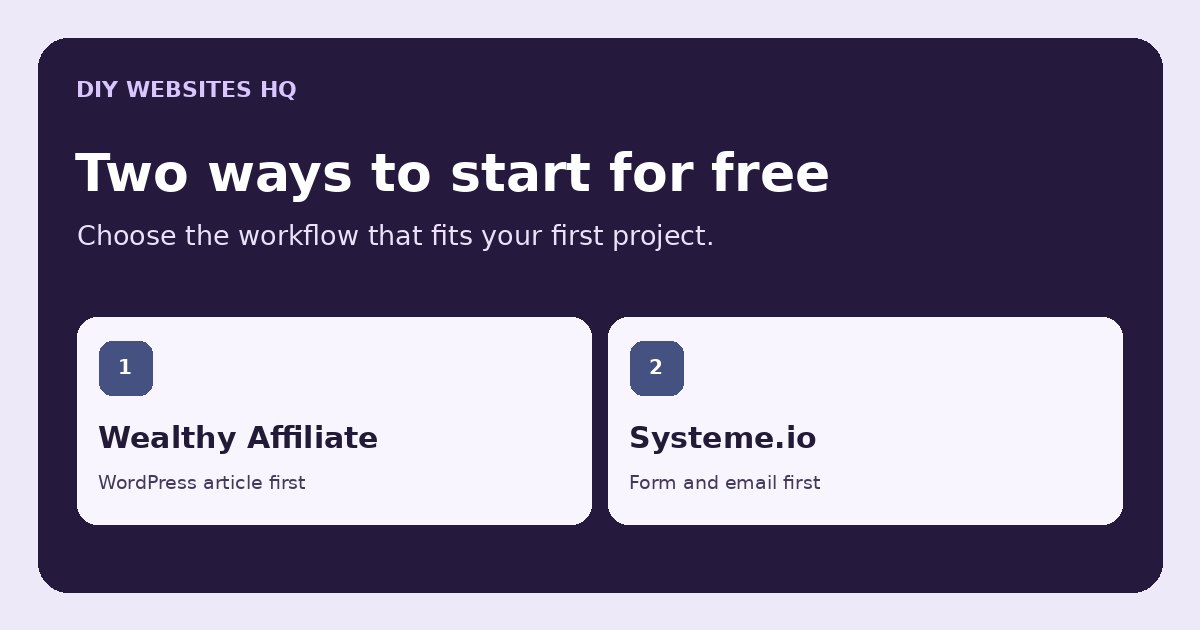
Start with Wealthy Affiliate if the main thing you want to learn is publishing and maintaining your own WordPress site. Start with Systeme.io if your first project needs a built-in signup form and a welcome email alongside a simple blog. I compared the free plans using the same beginner project and checked each provider’s current public plans and setup documentation on November 14, 2026.
I use Wealthy Affiliate hosting for DIY Websites HQ. This comparison uses the actual WA setup screens I’ve inspected and Systeme.io’s published plan and help documentation. The example is a way to evaluate either platform. It does not describe results from running a live Systeme.io campaign.
Affiliate disclosure. I may earn a commission if you upgrade through a Wealthy Affiliate link on this page. The Systeme.io links below go to its pricing and help pages.
Start with the same project
Picture a beginner who wants to teach apartment renters how to grow herbs in a small space. Their first project needs just three things: one helpful article, a page or form to request a printable herb checklist, and a welcome email with the guide. They want to practice for free, then decide whether it’s time to take the project to a permanent domain.
That example makes the comparison concrete. You can tell which plan helps you finish by looking at the tasks you’ll actually do in the first week. A large list of features means little if you spend that week setting up something the project can do without. Write down whether you want to finish a WordPress article or deliver your first email. Then look at the difference in how the platforms help you get there.
Wealthy Affiliate Starter vs. the Systeme.io free plan
| Task | Wealthy Affiliate Starter | Systeme.io Free |
|---|---|---|
| Publish a useful guide | One SiteRubix practice site using WordPress. | One blog built in the Systeme.io editor. |
| Use a custom domain | Starter is for a practice subdomain. Check paid hosting before moving a site to your own address. | The public free plan lists one custom domain. You still need to own the domain and connect it. |
| Collect signups and send a welcome message | Plan to choose and verify an email tool and a way to link or embed its form on your site. | Signup steps and email capabilities are part of the platform. Check the free plan’s current campaign and automation limits. |
| Get help planning content | First Hub, Ace and an initial AI credit allowance. | Templates and help documentation for the page, funnel and email workflow. |
| Choose with future moves in mind | Learn what WordPress exports and what you need for a full site move. | Verify what blog, form and subscriber information you can export or rebuild on another platform. |
Free allowances come from the Wealthy Affiliate pricing page and the Systeme.io pricing page. Hosting a custom domain is separate from buying or renewing the domain name. Keep its actual annual cost in your budget whichever plan you choose.
What building on WordPress through Wealthy Affiliate looks like
Put your first effort into the public guide. Open the SiteRubix setup, choose a practice address, and pick a simple WordPress theme. Write one answer to a narrow question, such as how much window light a basil plant needs. Make your heading specific and add one photo that helps the reader see what you mean. Use preview on a phone before publishing.
In the SiteRubix walkthrough, I show the public signup screen and the builder steps I checked. If you want to learn how to publish a useful resource that makes sense on its own, this is a good exercise. You’ll practice the parts of WordPress you are likely to use again: writing, images, titles, links, page previews, and simple navigation.
For the herb checklist, first choose what you want the signup to do. An email platform can host a standalone signup page. You can link to that page from your WordPress article without depending on a particular plugin. If you want a form inside the article, verify whether your email provider offers an embed that works with your editor and hosting plan. Run that test before relying on a form in a real campaign.
Once the basics work, compare Starter with the options you’ll actually need. A domain you own and a site hosted on it are separate line items. The WA pricing and plan guide gives you a place to compare those costs. If you’re starting with a few practice posts and already have useful links pointing to the old address, plan the move before you change domains.
What building a blog and signup flow in Systeme.io looks like
Systeme.io’s blog setup guide shows how to create the blog and manage its pages and categories. Follow its blog-post instructions for the herb guide. Use the same article title, image and text you would use on WordPress. Check that the page has a clean address, descriptive metadata and a layout you can live with.
Build a short opt-in page for the printable checklist with a clear description of what a subscriber gets. Define a first email that actually delivers the resource. The platform’s email automation help documents a rule that can enroll someone in a campaign when a form is submitted. Check the current plan limits on active campaigns and automation rules before planning several different offers.
If you already own the domain you want to use, read the provider’s custom domain instructions. Make a copy of existing records before changing anything. Leave time to check DNS and, if you plan to send email from an address at the same domain, verify the provider’s email authentication requirements separately. A working page at your domain and a working sending identity are two separate checks.
Score the test using results you can see
Set a small time budget and run the same checks wherever you try the project. The article should load on a phone, answer the question in its first few lines, link to the right signup page and display your image correctly. The signup should tell the reader what happens next. The receipt or welcome email should arrive at an address you control and should contain a working link to the promised checklist.
- Record how long it took to publish one useful page.
- Count how many separate services or screens you had to configure.
- Check the published desktop and phone display.
- Test the signup and delivery using an address you control.
- Write down which paid feature, if any, would solve the next real problem.
Keep a copy of the article text, its images and its signup copy somewhere you control. Rewriting that material because you changed tools can cost more time than the initial setup. If you’re committed to building many articles, also test how each blog handles a second category and links between related articles. If your audience mostly arrives through a single offer, test how quickly you can change the email sequence and check the signup outcome.
Which free plan would I pick?
There’s another way to decide before you set up either platform. Write the first article and welcome email in a document, then set a timer for the actual publishing test. If you spend most of that time trying to make the site look right, the constraints of a simpler editor may help. If you spend the time working out how to organize growing collections of articles, pay closer attention to categories, internal links, and the options for taking your content elsewhere.
List the features you need on day one and the features you can postpone until you have regular readers. Avoid selecting a platform for an integration or automation you haven’t verified on the plan you’ll actually use.
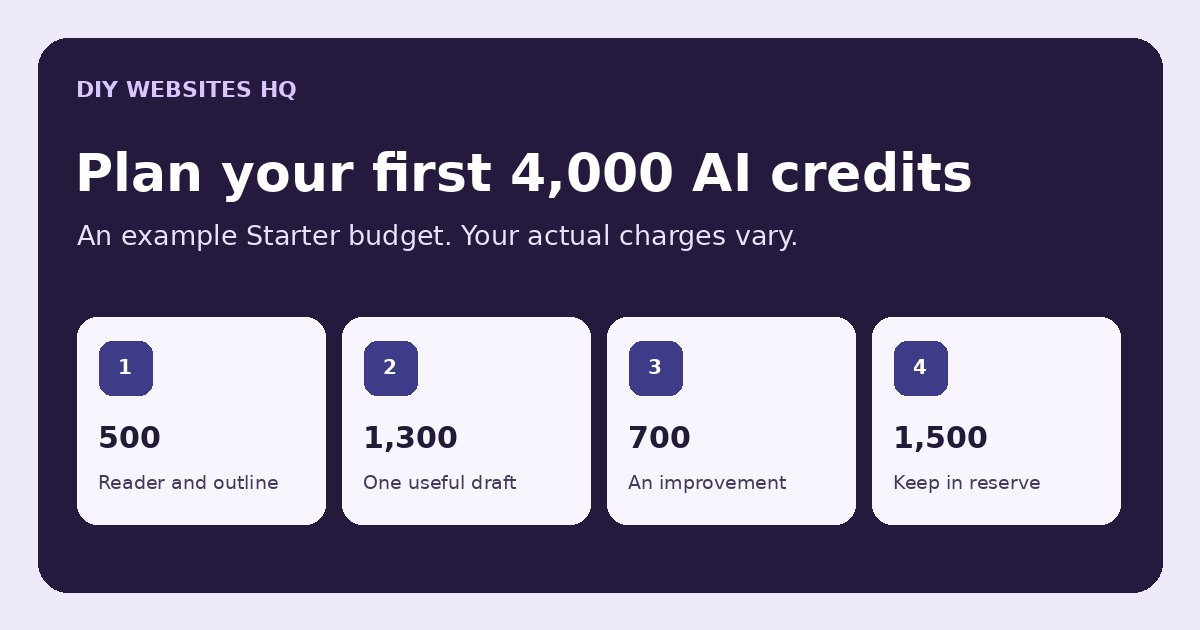
Choose Wealthy Affiliate Starter when you want to practice WordPress, build an article library and learn how a website is hosted. The learning and creation tools may help if you’re starting from a blank page. Start with a specific publishing task and decide whether those tools help you finish it. If you want to budget the AI portion, follow the credit history rather than assuming every draft takes the same number of credits.
Choose Systeme.io Free when publishing one guide, collecting signups and sending a follow-up are the immediate jobs. Its documented blog, domain and email options bring that workflow into one platform. Verify the features you actually need on the free tier, and test the email delivery before promoting the signup form. If you already have an email tool you like, compare that setup effort with simply linking to its form from your site.
Both options can support a useful beginner project. The stronger choice follows the work you want to do this week. A website focused on educational evergreen articles puts more weight on publishing and maintenance. A project based on a checklist and follow-up puts more weight on getting the signup and email right. Use the first working page, real completion time, and your confirmed costs as the basis for deciding what to buy next.
Affiliate disclosure. I may earn a commission if you upgrade through the next link, at no extra cost to you.
Try Wealthy Affiliate Starter · See the Systeme.io free plan · Read my hands-on Wealthy Affiliate review