Sherry Wood
Before you put a WordPress site on Wealthy Affiliate, make a list of the plugins and services you would need on launch day. Then check the plan against the list. A plugin can show as compatible with WordPress and still be blocked by the host. That’s what happened when I tried WooCommerce for Totally Michigan.
Affiliate disclosure. I may earn a commission if you upgrade through my Wealthy Affiliate links, at no extra cost to you.
What I checked on my own sites
| Check | Observed result | What to check on your account |
|---|---|---|
| WordPress on a custom domain | DIY Websites HQ runs WordPress and REHub on Wealthy Affiliate. On October 24, 2026, 39 intended pages and articles opened at their expected addresses in the build check. | Confirm your domain, HTTPS, hosting allowance and editor access. |
| WordPress recovery | I recorded a recovery drill for DIY Websites HQ in my backup and restore guide. | Confirm what your backup includes, how to get a copy and who can restore it. |
| WooCommerce on Totally Michigan | On November 13, 2026, the installer said the official WooCommerce plugin was compatible and offered Install Now. The install failed and said a “WA WooCommerce” hosting package was required. The plugin did not appear in Installed Plugins after the attempt. | Ask WA whether the package is available to your exact account, what it costs and how it’s billed. Confirm the plugins you need for payment, shipping and fulfillment separately. |

Copy this checklist before you buy or move hosting
- List what the site must do. Write down your theme and the exact names of the plugins for checkout, forms, backups and any other launch requirement.
- Confirm the plan. Ask whether each required plugin can be installed and run on the hosting package you will actually use. If there is an add-on, request the price, billing frequency and activation steps.
- Test one real task. On staging when available, install the required plugin via WordPress, verify it appears in Installed Plugins and test the feature you depend on. For a store, use a payment sandbox before accepting real orders.
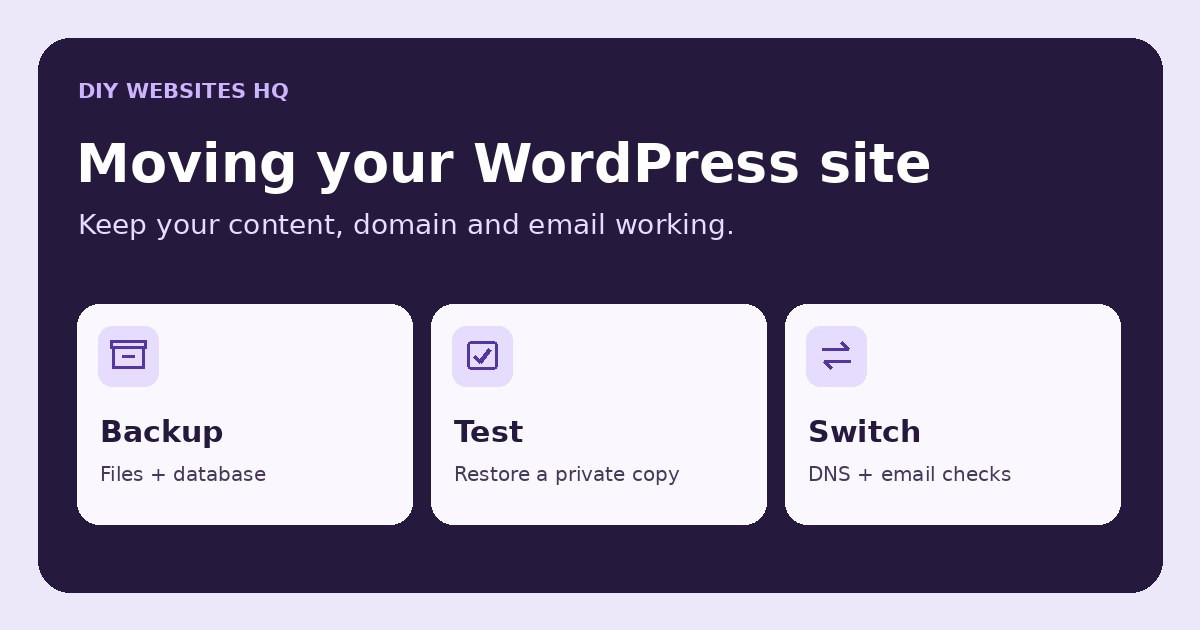
- Plan for an outage or move. Confirm access to a backup of the files and database. Record your DNS and email settings before moving a domain or site. My WordPress domain guide includes a checklist for those records.
- Write down the result. Record the date, plan, plugin version, result and next action. A successful test on a different plan tells you less than a successful test on yours.
Check restrictions and running costs
Wealthy Affiliate describes its plugin restrictions in Kyle’s hosting note. This checklist records specific tests on my sites. If the host changes a restriction, repeat the check on the site and plan you intend to use.
For the wider decision, read my Wealthy Affiliate review, compare WA plans and running costs, or see the comparison of WA and stand-alone hosting options.